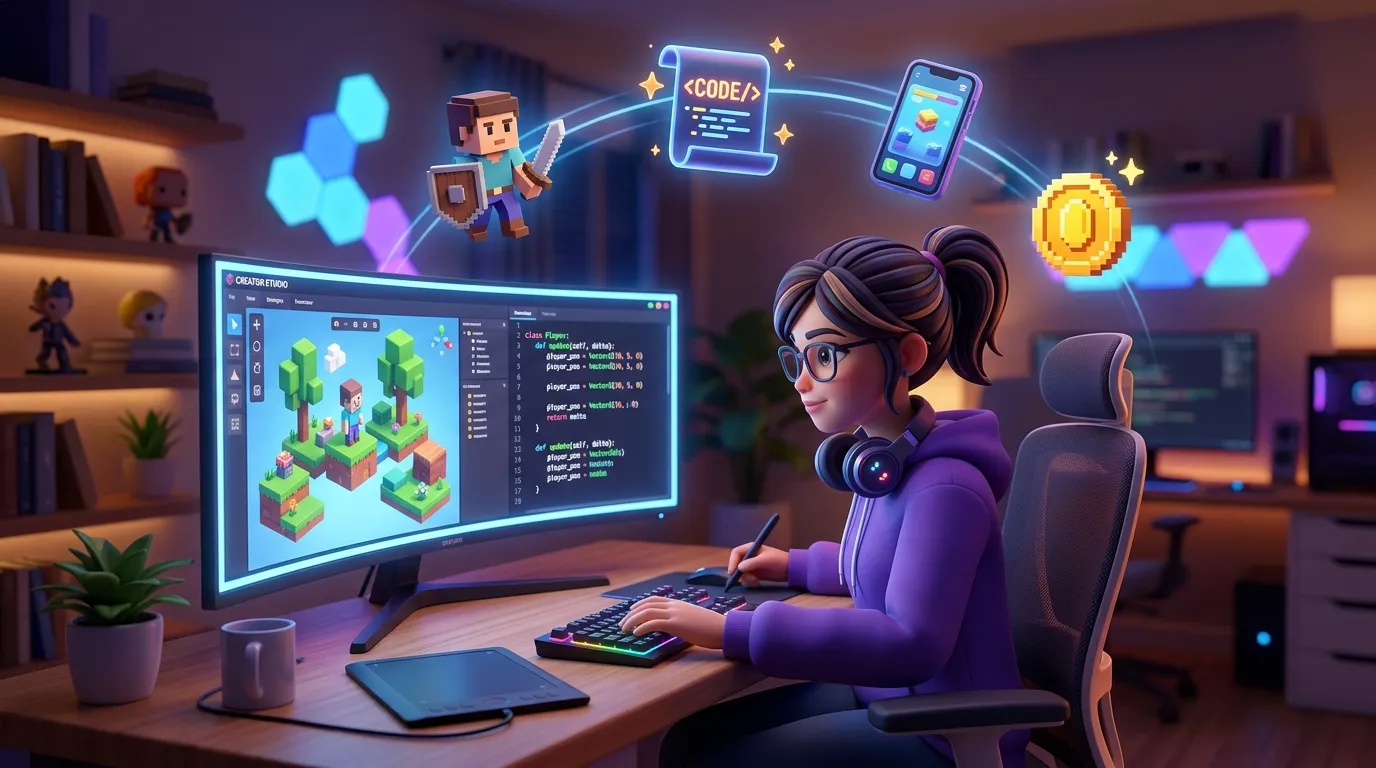
Roblox Studio is a free game engine and digital workspace for PC and Mac used to design, build, and release all games on the Roblox platform. In short, if the Roblox app is where you play, then Roblox Studio is the kitchen where you create those games.
Roblox Studio Key Features
From simply assembling basic blocks as a hobby to professional studio levels designing complex database systems, all developers use this software. Here are some of its functional elements.
Lightweight Luau Programming Language
To bring a game to life—such as creating scoring rules or managing character movement—Roblox Studio relies on a programming language called Luau. It is a modified version of the Lua scripting language developed directly by Roblox. It is lightweight and fully supports modern programming concepts, including Object-Oriented Programming (OOP).
Automatic Client-Server Network Architecture
Building an online multiplayer game usually requires complex network setups, but this platform handles it automatically. The workspace separates tasks into two areas:
-
Server Scripts: Run on the backend to handle core game logic, security systems, and data storage.
-
Local Scripts: Run on the client or player's device to respond to things like the user interface (UI) and screen taps.
Freedom to Create 3D Worlds
Highly interactive 3D spatial manipulation tools are available. You are free to be creative by assembling building blocks (Parts), sculpting natural landscapes (Terrain) like mountains or oceans, and adjusting the lighting to make it look more realistic. If you need specific visuals, you are also supported in importing external assets such as 3D meshes, character animations, and sound effects.
Publish Once for All Platforms
This is one of the most time-saving advantages. Once you hit the Publish button, the game is instantly available across various devices without the need for manual compilation (build) or porting processes. Your creation can be played directly by users on PC, smartphones (iOS/Android), consoles (PlayStation/Xbox), and VR.
Integrated with Monetization Systems
Making games here also opens up earning opportunities. As a developer, you can create and sell virtual products, in-game items, and Game Passes (VIP access) to players using the Robux currency. The Robux successfully collected can later be cashed out into real money through the official Developer Exchange (DevEx) program.
Frequently Asked Questions (FAQ)
Is Roblox Studio paid?
No, this software is entirely free and can be downloaded directly for both PC and Mac users.
What programming language is used in this system?
This platform uses Luau, a derivative version of the Lua programming language that has been modified by Roblox to be more efficient and lightweight.
Can the games I make be played directly on mobile phones?
Yes. Thanks to the cross-platform publishing system, your published creation will automatically be available to play on PC, smartphones, consoles, and VR simultaneously.
Building your own virtual world is now easier to understand if you know the basics. If you are interested in exploring programming logic and designing software or games in a more structured way, start honing your tech skills now. Find various learning materials and programs that suit you at Koding Akademi.