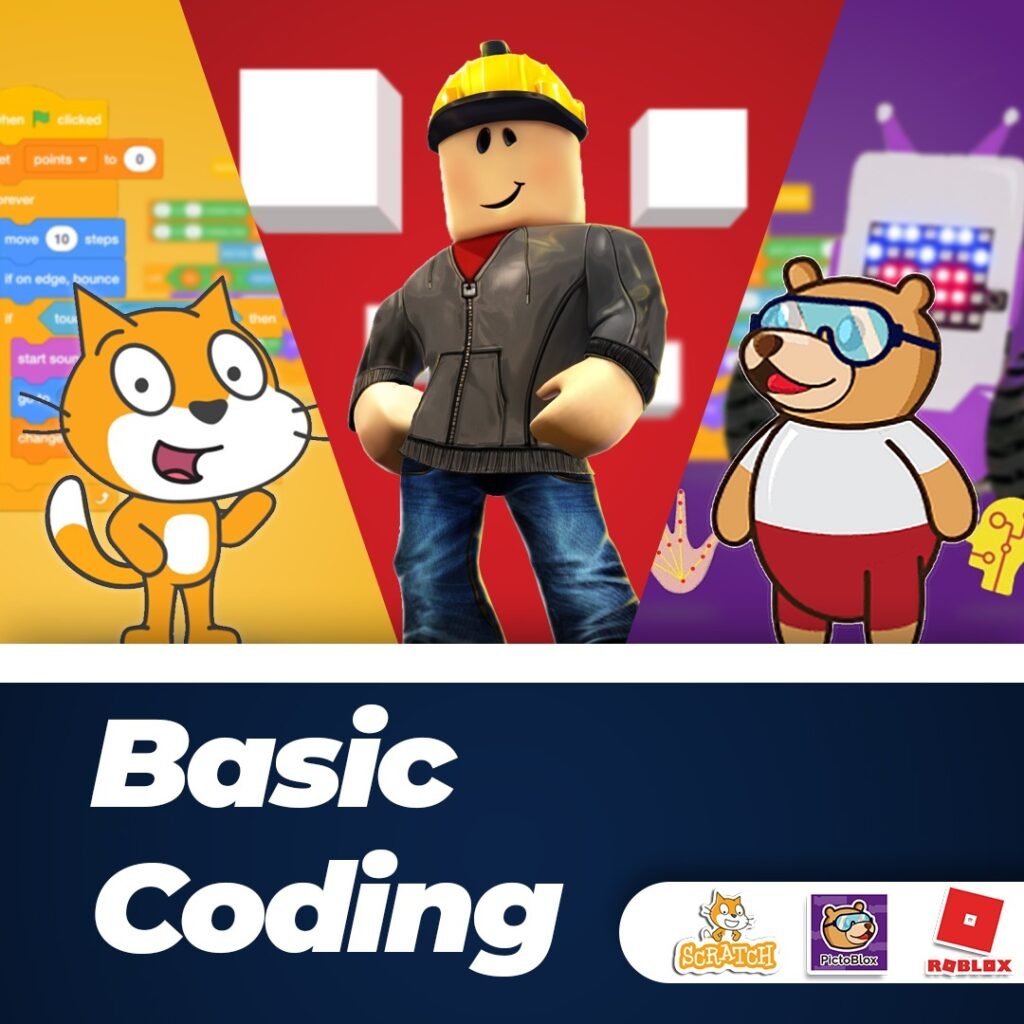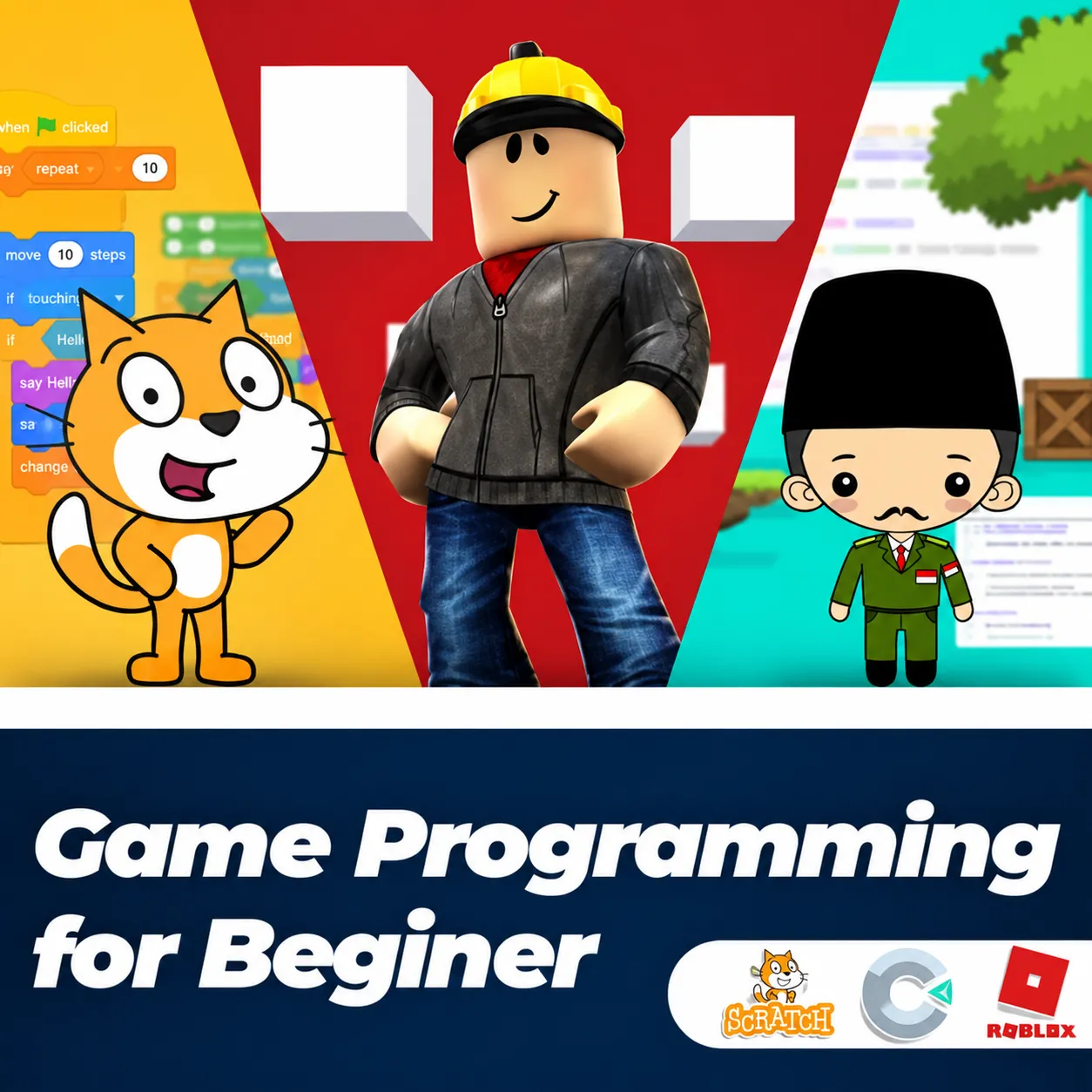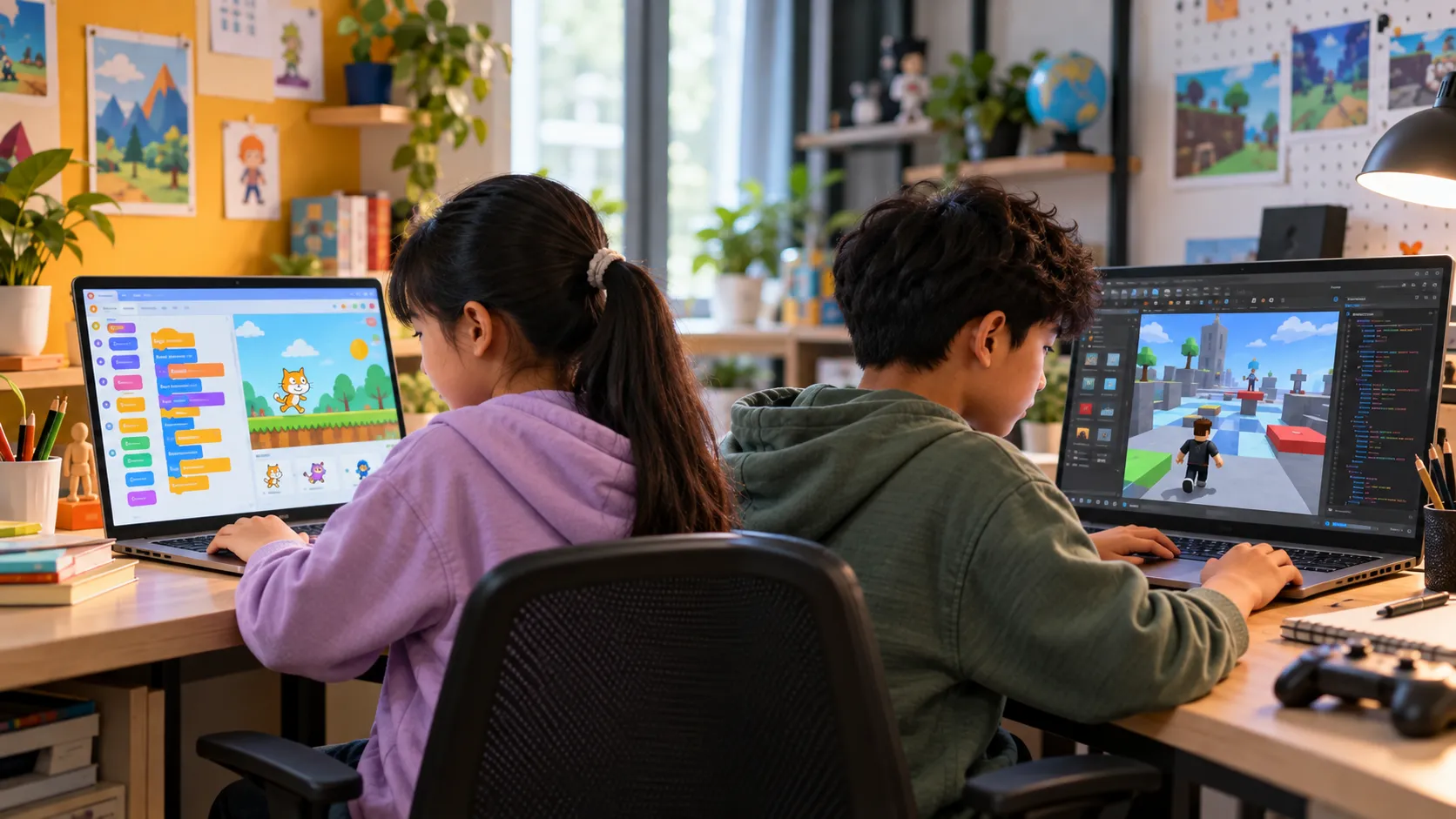
Scratch is suitable for children who are just starting to learn coding, while Roblox Studio is better suited to children who are ready to explore text-based programming. Scratch uses visual blocks that are easy to arrange, whereas Roblox Studio allows children to create 3D games by writing code in Lua.
Both can be engaging tools for learning to code. The right choice depends on the child's age, experience, and learning goals.
Getting to Know Scratch for Kids' Coding
Scratch is a free programming platform created by MIT (Massachusetts Institute of Technology) that takes a visual approach. Children do not need to type code right away, as programming commands come in colorful blocks that can be dragged and arranged like a puzzle.
This approach makes Scratch easier to introduce to children who have never learned programming before. They can focus on understanding how a program works without dealing with complicated rules for writing code.
Learn Logic Without Typing Code
One of Scratch's main goals is to help children develop computational thinking. They learn to organize instructions step by step, understand cause and effect, and build structured sequences.
Its drag-and-drop system also reduces the likelihood of typing-related errors. Children have more opportunities to try ideas, experiment, and immediately see the results of the blocks they arrange.
Types of Projects Children Can Create
Scratch is suitable for creating simple projects such as interactive stories, animations, interactive comics, and 2D mini-games.
The platform is particularly suitable for children aged 8–11 or those discovering coding for the first time.
Getting to Know Roblox Studio for Kids' Coding
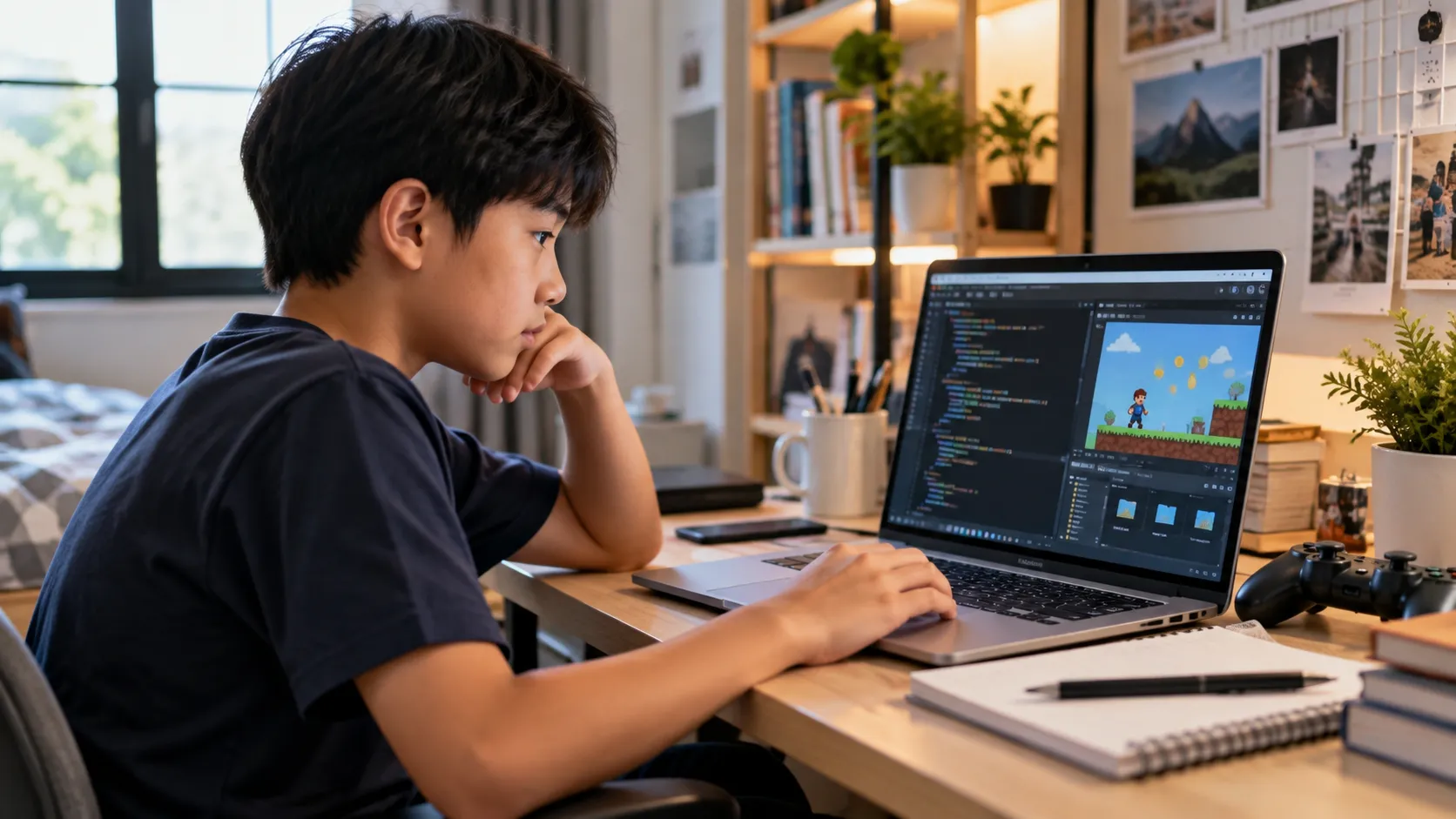
Roblox Studio is software used to create 3D games within the Roblox ecosystem. Unlike Scratch's visual blocks, Roblox Studio introduces children to writing code in Lua.
Children do more than place objects in a 3D world. They can also use code to control how objects, game mechanics, and different interactions work.
An Introduction to Text-Based Programming
Roblox Studio can bridge the gap between visual and text-based programming. Children begin writing code, managing game mechanics, understanding 3D physics simulations, and creating multiplayer interactions.
This process requires more attention to detail than Scratch because children work directly with lines of code.
Create Playable 3D Games
One of Roblox Studio's attractions is that projects become 3D games that other people can play. Children can create obstacle courses such as Obby games, simulators, or adventure games.
Roblox Studio is better suited to children aged 12 and above, or those who are already comfortable with Scratch and want a new challenge.
Differences Between Scratch and Roblox Studio
Scratch and Roblox Studio take different approaches to learning. Scratch focuses on introducing programming logic visually, while Roblox Studio introduces children to writing code and developing 3D games.
| Scratch | Roblox Studio |
|---|---|
| Suitable for children new to coding | Suitable for children ready for more advanced challenges |
| Uses visual blocks | Uses text-based code in Lua |
| Focuses on basic logic and computational thinking | Focuses on game programming and 3D worlds |
| Suitable for stories, animations, and 2D mini-games | Suitable for 3D games, simulators, Obby games, and adventures |
| Fewer errors caused by mistyping code | Requires careful attention when writing code |
| Ideal for ages 8–11 | Ideal for ages 12 and above, or students proficient in Scratch |
When Should Children Choose Scratch?
Scratch can be a good choice when children encounter coding for the first time. Its visual blocks help them understand how a program works without immediately worrying about syntax rules.
Scratch is also suitable for children aged 8–11 who are interested in creating interactive stories, animations, comics, or 2D mini-games.
This visual approach allows children to focus on developing logic, creativity, and an understanding of instruction sequences.
When Can Children Move On to Roblox Studio?
Roblox Studio can be the next step once children understand basic programming logic or begin looking for a greater challenge.
Children who enjoy 3D games may also feel more motivated to learn through Roblox Studio because they can build virtual worlds and create games to play with friends.
For children already familiar with Scratch, moving to Roblox Studio is also an opportunity to begin exploring text-based programming.
Scratch and Roblox Can Complement Each Other
Scratch and Roblox Studio do not have to be viewed as competing choices. They can be used at different stages of learning.
Scratch helps children understand programming fundamentals through a visual approach. Once they feel more confident and understand how programs work, they can move on to Roblox Studio to explore writing code and developing 3D games.
This learning sequence introduces coding gradually, without requiring children to tackle an overly difficult level right away.
Frequently Asked Questions
Is Scratch suitable for children who have never coded before?
Yes. Scratch uses visual blocks, so children do not need to type code right away. They can focus on understanding logic, instruction sequences, and cause-and-effect relationships within programs.
What age is suitable for learning Roblox Studio?
Roblox Studio is suitable for children aged 12 and above, or those who are comfortable with Scratch and ready to learn text-based programming.
Should children learn Scratch before Roblox Studio?
For beginners, Scratch can be a starting point for understanding programming logic. Once they have mastered those foundations, Roblox Studio can be the next step toward text-based coding and 3D game creation.
Start Learning Coding at the Right Stage for Your Child
Scratch and Roblox Studio offer different learning experiences. Scratch is suitable for building a foundation in logic and introducing coding in a simpler way. Roblox Studio can be the next step when children are ready to write code and develop 3D games.
The key is to choose a platform that matches the child's age, experience, and interests so that learning remains enjoyable.
Want to help your child learn coding step by step? Learn with us at Koding Akademi and find out more about our coding programs for children at https://www.kodingakademi.id/.