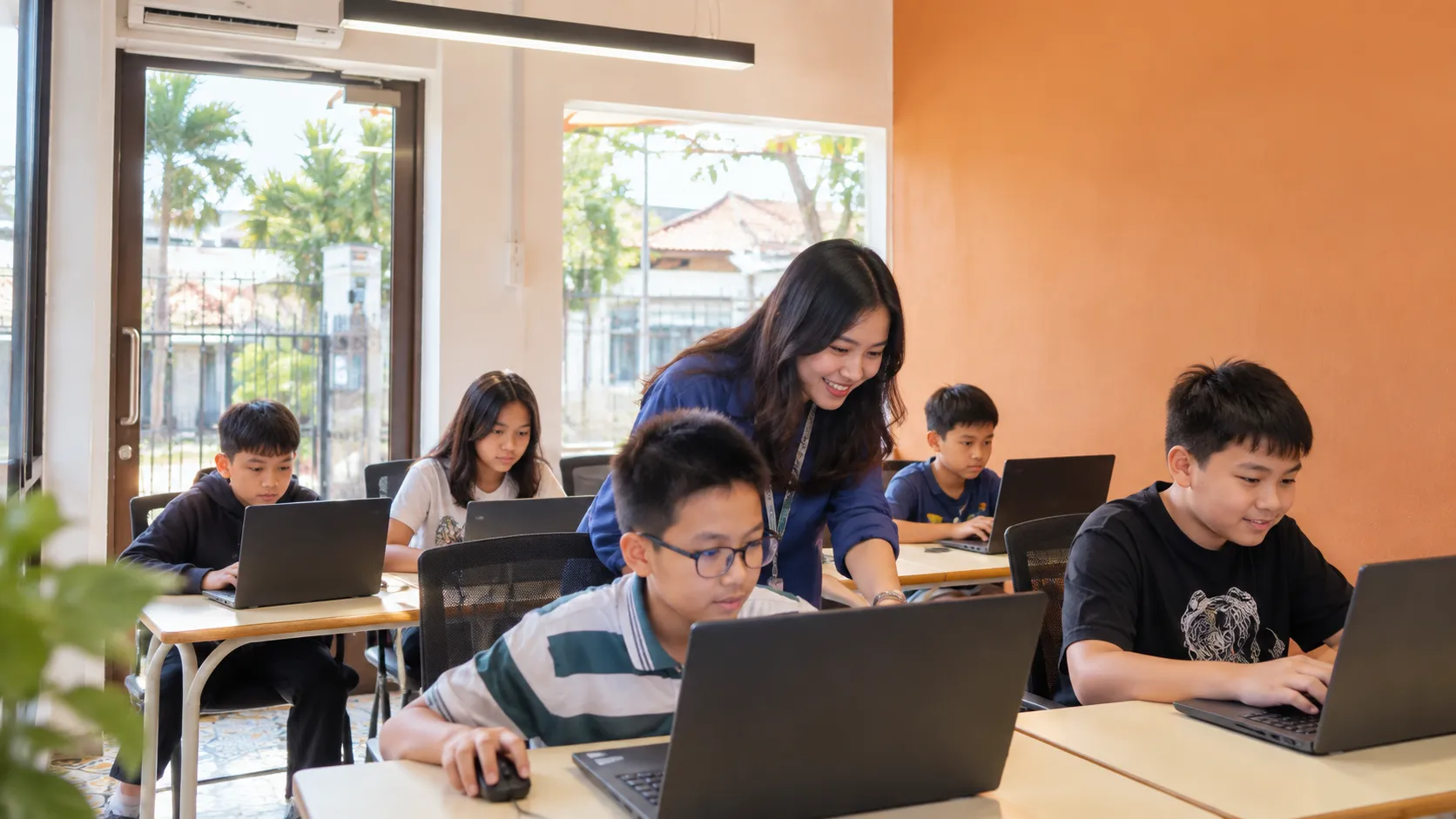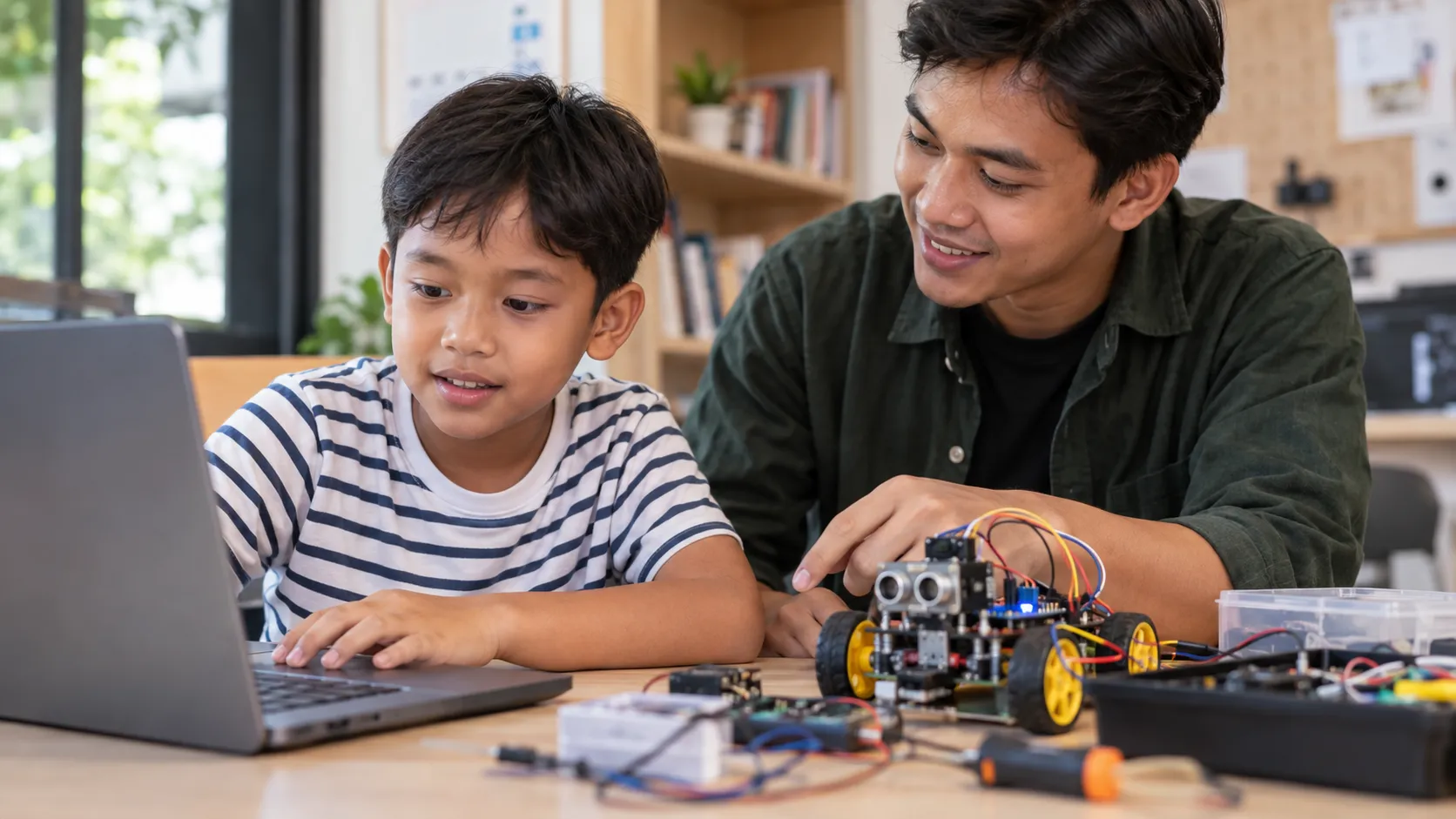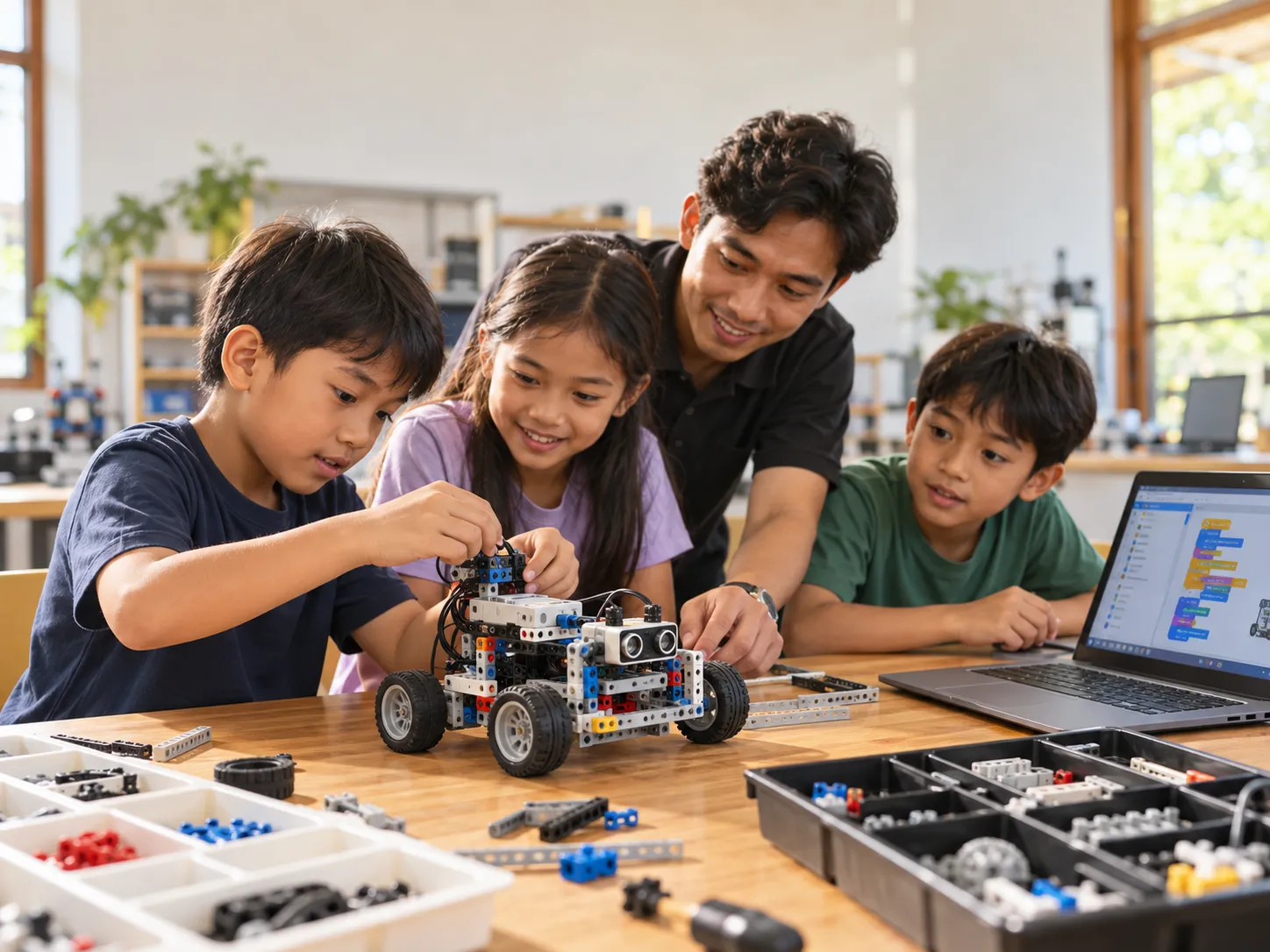
Robotics courses in Denpasar are available at Koding Akademi for children aged 5–16, with lessons tailored to their age and abilities. Through project-based learning, children build robots, explore how motors and sensors work, and learn programming using LEGO Education and Arduino.
Learning robotics is about more than building a robot that moves. Children also explore how each component works, why robots need sensors, and how programming instructions control their movements.
At Koding Akademi, learning progresses step by step. Younger children begin exploring mechanics through building activities, then move on to motors, sensors, and coding as their skills develop.
What Do Children Learn in a Robotics Course?
Robotics combines mechanics, electronics, and programming. These subjects are introduced gradually so children can understand how robots work through hands-on activities.
Exploring Mechanics and Robot Assembly
Before working with programmable robots, children need to understand how mechanical components work.
They are introduced to wheels, gears, pulleys, and levers by building simple models.
When building a mechanical car, for example, children can observe how the wheels and component arrangement affect movement. This introduces cause and effect within a mechanism.
Understanding Motors and Sensors
After exploring mechanics, children begin learning about the electronic components used in robotics.
Motors produce movement, while sensors help robots detect conditions in their surroundings.
A robot can be programmed to respond when a sensor detects an object in front of it. Children can then observe how sensor information affects the robot's movement.
Learning to Code to Control Robots
Programming allows children to give instructions to robots.
Using software, they can decide when a motor moves, arrange sequences of commands, or make a robot respond to sensor information.
If the result does not match their expectations, children can check their instructions, make changes, and try again.
This process of testing and improving is an important part of project-based robotics learning.
Tools Used at Koding Akademi
Koding Akademi uses different learning tools for each class level, from mechanical kits for basic assembly to LEGO Education for construction and coding, and Arduino for electronics and microcontroller programming.
1. Mechanical Kits for Exploring How Machines Work
In Robotics Junior 2.0, children use mechanical components to understand how movement is produced.
Some of the components they explore include:
- Gears: Transfer rotary motion and can change its speed or direction.
- Pulleys: Help transfer motion through a wheel-and-belt system.
- Wheels: Used to build models that can move.
- Levers: Introduce the principles of leverage in mechanics.
With these tools, children can build models such as mechanical cars, windmills, and drawbridges.
These activities do not yet focus on computer programming. Children mainly learn by assembling components, observing them, and testing how they work.
This material is part of the Robotics Junior 2.0 program at Koding Akademi.
2. LEGO Education for Building and Programming Robots
LEGO Education is a learning tool that introduces robotics through construction, mechanics, and programming.
At Koding Akademi, lessons use LEGO Education WeDo, including versions 1.0 and 2.0, depending on the lesson requirements and equipment used in class.
With LEGO Education, children can construct robot models, add motors and sensors, and create programs that make their robots follow specific instructions.
Components introduced during lessons include:
- LEGO Building Elements: Components for building robot structures and mechanisms.
- Motor: Produces movement based on program instructions.
- Motion Sensor: Detects objects or changes in distance in front of the sensor.
- Tilt Sensor: Detects changes in a device's position or tilt.
- Hub: Connects electronic components to the programming system.
- Programming Software: Used to create instructions and control robots.
Children can build a vehicle powered by a motor. Once it runs successfully, they can try adding a sensor so the vehicle responds when it detects an object.
Through one simple project, children learn how physical components, sensor inputs, and programming instructions work together.
LEGO Education is used in Robotics Explorer 1.0 and Robotics Explorer 2.0, with different levels of difficulty.
3. Arduino for Learning Electronics and Programming
Alongside LEGO Education, Koding Akademi offers Arduino programs for students interested in electronics and hardware programming.
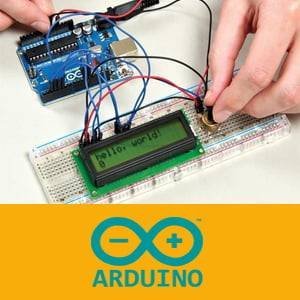
Arduino is a microcontroller platform that can be programmed to read sensor information and control electronic components.
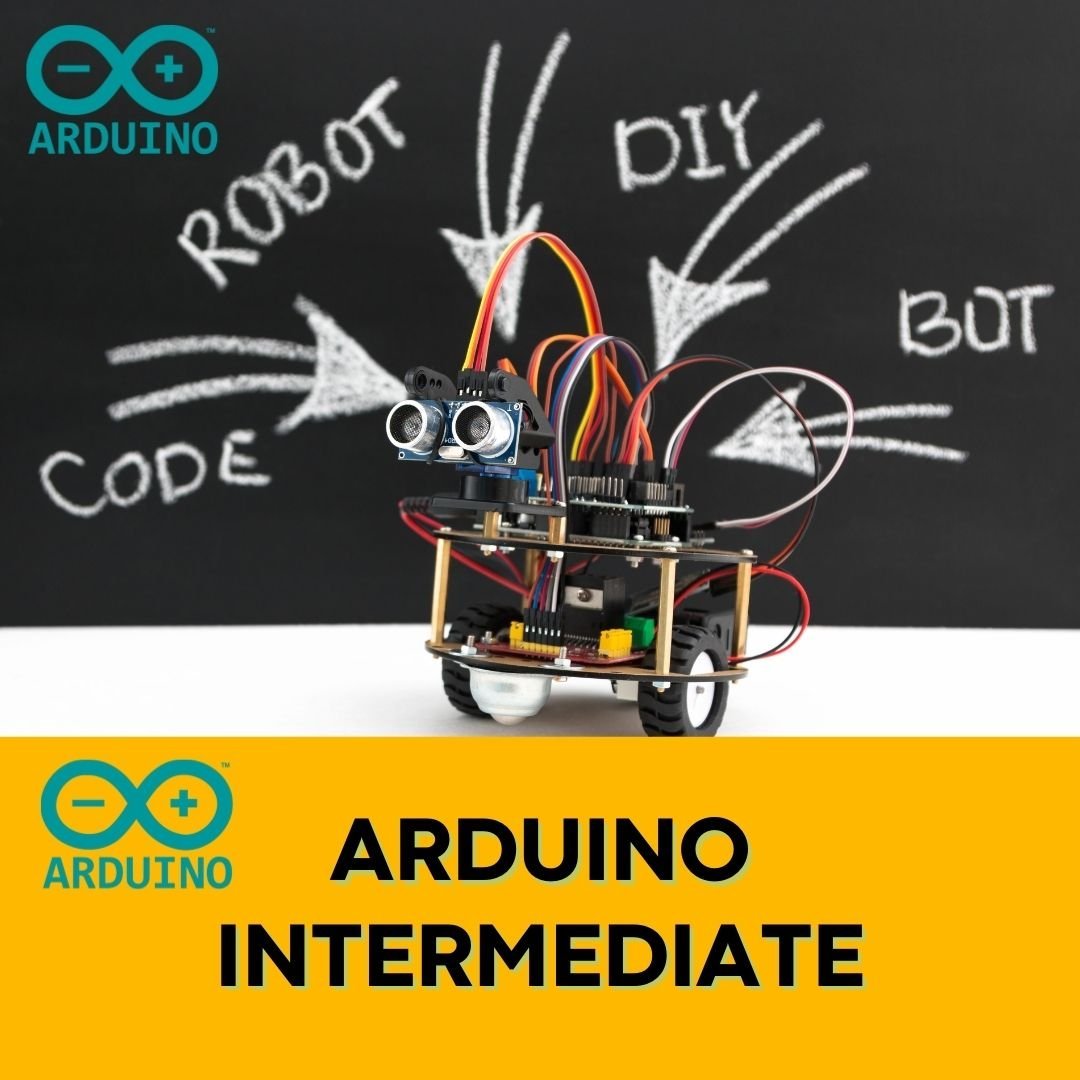
During lessons, students begin assembling circuits using components such as:
- Arduino Uno: A microcontroller board that runs programs.
- Breadboard: A board for assembling electronic circuits without soldering.
- Jumper Wires: Wires that connect different parts of a circuit.
- LEDs and Resistors: Basic components for learning about circuits and outputs.
- Push Button: A button used as an input.
- Sensors: Components that detect conditions such as light or distance.
- Servo Motor: A motor that can be controlled to move to a specific angle.
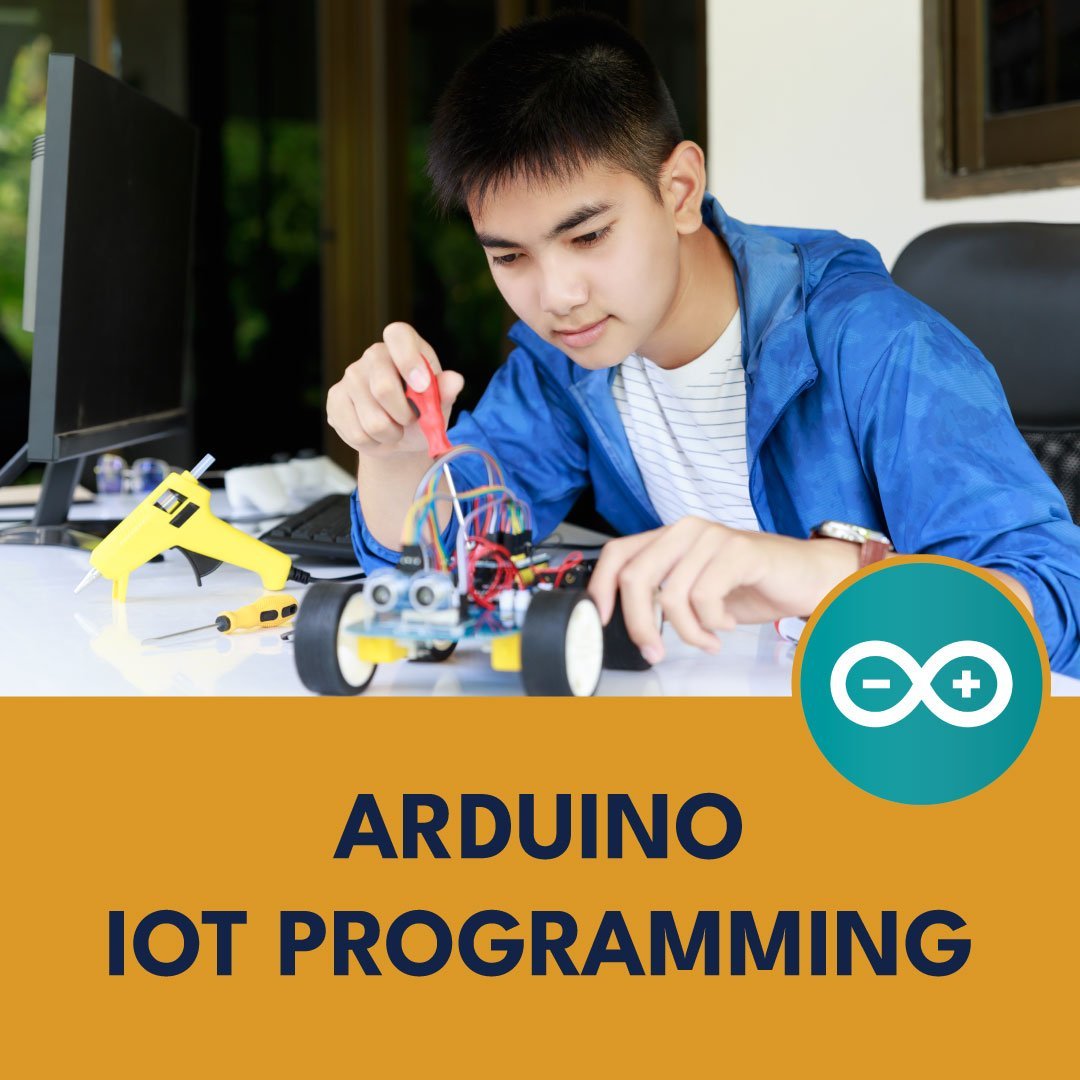
With Arduino, students can build projects such as automatic lights using light sensors or alarms that respond to ultrasonic sensor readings.
In this program, students also begin using C/C++ to control the electronic components they assemble.
These topics are covered in the Arduino Beginner program at Koding Akademi.
4. Software for Robotics Programming
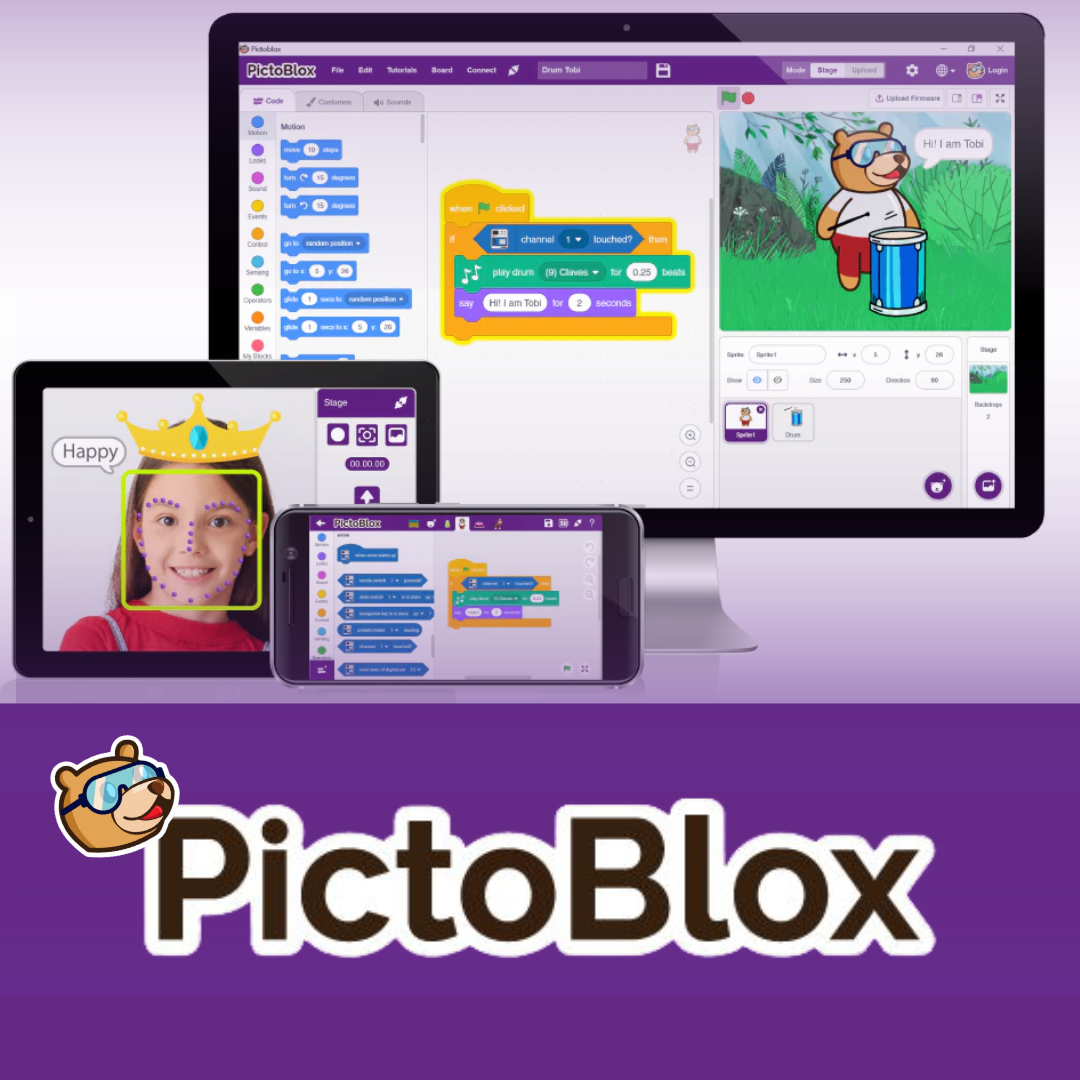
In addition to physical equipment, children use software to create and run programming instructions.
In LEGO Education lessons, software is used to control motor movements and make robots respond to sensor information.
In the Arduino program, students use the Arduino IDE to write, check, and upload code to the microcontroller board.
Students can write a program to turn on an LED, upload it to Arduino, and test the result on the circuit they have built.
This helps students see the direct connection between the code they write and the devices they control.
Robotics Programs by Age Group
Robotics lessons at Koding Akademi are divided into several levels. Each program has a different focus to suit students' ages and learning experience.
Robotics Junior 2.0 for Ages 5–6
Robotics Junior 2.0 is a follow-on foundational robotics program focused on introducing mechanics.
At this level, children learn to read assembly guides, put components together, and understand how simple mechanisms work.
Activities involve using gears, pulleys, wheels, and levers to build moving models.
Through projects such as mechanical cars and windmills, children explore how component arrangements affect movement.
Robotics Explorer 1.0 for Ages 7–8
In Robotics Explorer 1.0, children begin exploring robotics involving motors, sensors, and programming with LEGO Education.
They learn to build robot models and give them instructions to move and respond to specific conditions.
Topics include motor control, Motion Sensors and Tilt Sensors, and robot programming.
Projects in this curriculum include earthquake rescue robots, automatic waste sorters, and expedition vehicles.
Through these projects, children begin to understand how programs can control the devices they build.
Robotics Explorer 2.0 for Ages 9–11
Robotics Explorer 2.0 is a follow-on program that develops the assembly and programming skills learned at the previous level.
Students continue using LEGO Education, but their projects involve more complex mechanisms and programming instructions.
Lessons cover combining motors and sensors, creating command sequences, and testing how robots respond to specific conditions.
Children also evaluate their projects. When a robot does not work as intended, they learn to check the assembly, improve the instructions, and test it again.
This program is intended for children who have completed Robotics Explorer 1.0 or already have basic robotics experience.
Arduino Beginner for Ages 12–16
Arduino Beginner is available for teenagers interested in electronics and hardware programming.
Lessons begin with electronic components and circuit assembly before progressing to writing programs in C/C++.
Students learn how a microcontroller receives sensor inputs, processes instructions, and controls output components.
Topics include LED circuits, sensors, servo motor control, and simple automation projects.
The program is also suitable for beginners with no previous electronics experience.
Comparing Robotics Classes
The table below provides an overview of the programs and learning tools at Koding Akademi.
| Program | Age | Main Tools | Learning Focus |
|---|---|---|---|
| Robotics Junior 2.0 | 5–6 years | Mechanical kits, gears, pulleys, levers | Mechanics and assembly |
| Robotics Explorer 1.0 | 7–8 years | LEGO Education, motors, sensors, software | Basic robot programming |
| Robotics Explorer 2.0 | 9–11 years | LEGO Education, motors, sensors | Advanced assembly and programming |
| Arduino Beginner | 12–16 years | Arduino Uno, breadboard, sensors, Arduino IDE | Electronics and C/C++ |
The main differences between programs are the topics and tools used. Children at the introductory stage spend more time practising assembly, while students at later levels begin using programming to control devices.
Find more information about the available programs on the Koding Akademi Robotics page.
How Do Students Learn at Koding Akademi?
Robotics lessons at Koding Akademi use a project-based approach. Students apply what they learn through hands-on activities, alongside explanations of the material.
Learning Through Hands-On Projects
In Robotics Explorer classes, children can start by assembling a robot model using LEGO Education.
After assembly, they create programming instructions to make the robot move.
They then test the result. If the robot does not follow the instructions correctly, students can check the components or review their program.
This process introduces children to designing, testing, and improving a robotics project.
Mentor Support in Small Classes
Regular robotics classes at Koding Akademi have a maximum of five students, with each session lasting 90 minutes.
Mentors support students as they learn new concepts, assemble equipment, and test their projects.
Koding Akademi also provides learning reports and mentor feedback to help parents follow their child's progress.
Hands-On Equipment Available in Class
For in-person learning, robotics equipment is provided according to the program's requirements.
In Robotics Explorer, students use LEGO Education kits and the electronic components needed for practical activities.
Arduino Beginner provides circuit components, sensors, and microcontrollers for use during lessons.
Parents therefore do not need to purchase all the robotics equipment before their child joins an in-person class.
Tips for Choosing a Robotics Class for Your Child
Before enrolling, parents should consider their child's age, experience, and interest in technology.
Match the Class to Their Learning Experience
Children who have never studied robotics can begin with assembly activities and simple mechanics.
Once they understand the basics, they can progress to lessons involving motors, sensors, and programming.
Children with previous experience may be ready for more complex projects suited to their abilities.
Consider Your Child's Interests
Children are interested in different activities.
Some enjoy assembling and experimenting with robot models, while others are drawn to programming, sensors, and electronic circuits.
Understanding the topics and tools used in each program can help parents choose a suitable class.
Try a Trial Class
Koding Akademi offers trial classes for prospective students who want to explore the learning activities before joining regular classes.
During a trial session, children can experience robotics learning, while parents can consult the Koding Akademi team about a suitable program.
Frequently Asked Questions (FAQ)
1. At what age can children start learning robotics at Koding Akademi?
Children can join Robotics Junior 2.0 at ages 5–6. Older students can choose Robotics Explorer 1.0, Robotics Explorer 2.0, or Arduino Beginner, with lessons matched to their learning level.
2. What tools are used in robotics classes?
Koding Akademi uses mechanical kits, LEGO Education, motors, sensors, and Arduino, depending on the program. Programming software is also used in classes that involve coding.
3. Does my child need coding experience before joining a robotics course?
No. At the introductory stage, children can explore mechanics and assembly without computer coding. Programming is introduced in Robotics Explorer, while Arduino Beginner covers the basics of C/C++ programming.
Start Learning Robotics with Koding Akademi
Learning robotics gives children a practical way to explore technology.
From assembling simple mechanical models to building robots with motors, sensors, and programming, each stage offers a different learning experience.
At Koding Akademi, we offer robotics programs with progressive lessons, LEGO Education and Arduino tools, and mentor-supported projects.
For parents looking for robotics courses in Denpasar, we also offer trial classes before choosing a regular program.
Come and learn robotics with us at Koding Akademi. Visit www.kodingakademi.id to explore our robotics programs, check class schedules, and find enrolment information.