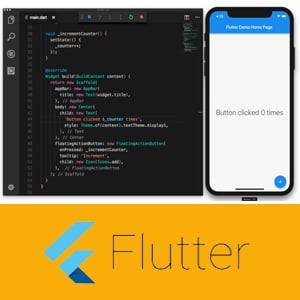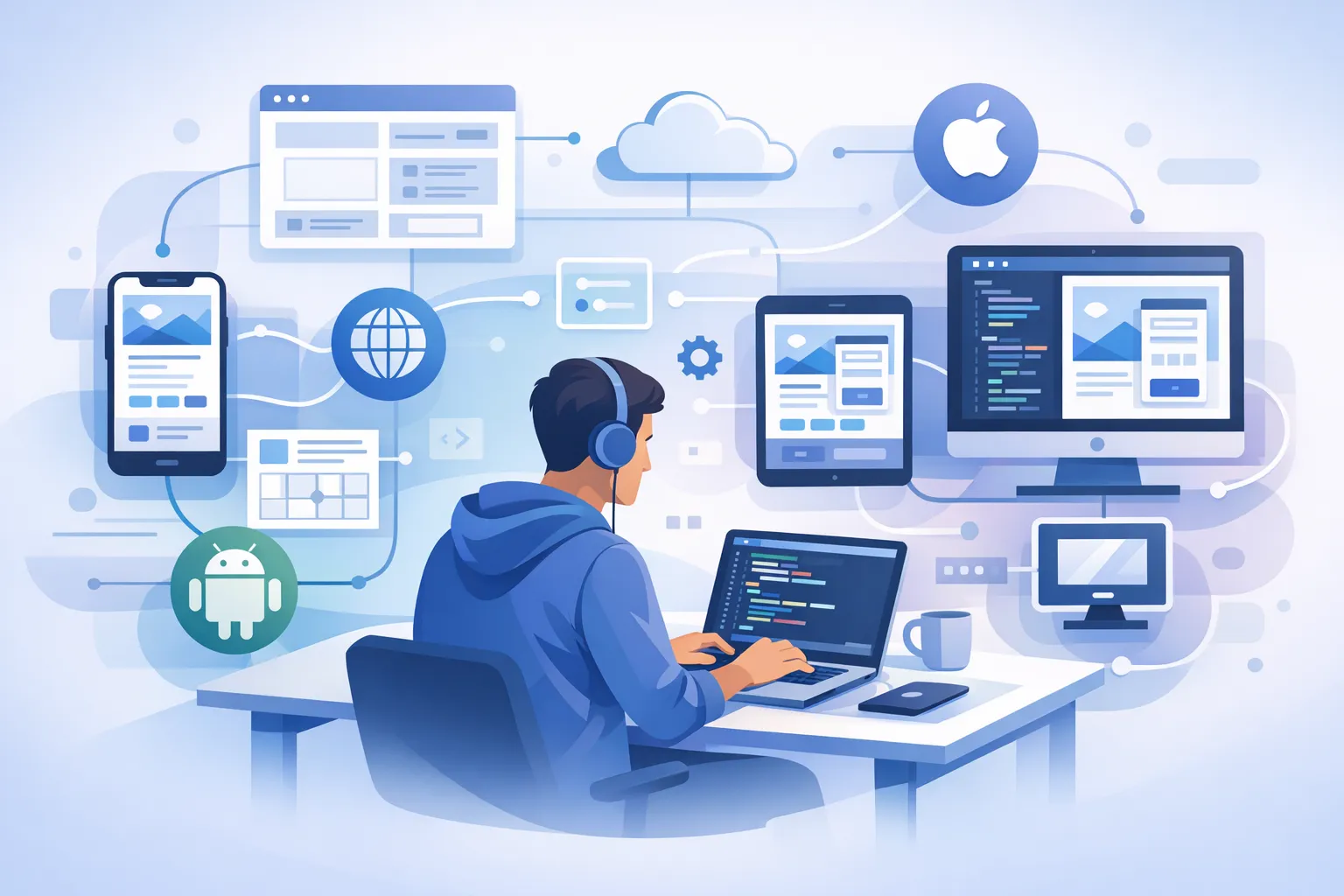
Flutter works for cross-platform app development by using a single Dart codebase, rendering the interface with its own Flutter engine, compiling the app for target platforms such as Android, iOS, web, and desktop, and connecting device features through plugins or platform channels. In short, Flutter does not simply “wrap” a web app, but provides a UI framework, rendering engine, and platform integration within one ecosystem.
How Flutter Enables a Single Codebase for Multiple Platforms
A single Dart codebase becomes the center of app logic
Flutter uses Dart as the main language to write application logic, UI structure, navigation, and state. The official Flutter documentation explains that Flutter apps are written in Dart, while the official Dart documentation explains that Dart supports compilation for multiple targets, including native and web.
For developers, this means most business logic and UI code can be reused across multiple platforms without having to build separate apps for Android and iOS. This claim is supported by Flutter’s official explanation that the framework is designed to build mobile, web, desktop, and embedded applications from a single codebase.
The interface is rendered by Flutter, not dependent on native widgets
One of Flutter’s core characteristics is that the UI is rendered by Flutter’s own framework and engine. In its official architecture documentation, Flutter explains that it controls every pixel on the screen, so Flutter widgets do not need to be directly mapped to native Android or iOS widgets.
As a result, UI appearance and behavior can be made more consistent across platforms because Flutter draws components such as buttons, text, icons, and animations through its own rendering pipeline. Flutter documentation also states that almost everything in Flutter is a widget, which reinforces that the UI is built declaratively from Flutter framework components.
The Flutter engine handles graphics rendering
Under the framework, Flutter has an engine responsible for rendering, text layout, compositing, and low-level communication with the platform. The official architecture overview clearly explains this separation between framework and engine.
Historically, Flutter has heavily used Skia as its graphics engine, and the official Flutter documentation also introduces Impeller as a newer renderer on supported platforms to improve rendering performance consistency.
Compilation is adapted to the target platform
Flutter does not ship mobile apps as web pages wrapped in a container. For mobile and desktop, Dart can be compiled ahead-of-time (AOT) into native code; for the web, Dart is compiled to JavaScript or another suitable web target. This is described in the official Dart documentation on native compilation and the official Flutter documentation for web.
This means the final Flutter output on Android and iOS is an installable app like any other, while on the web the app runs in the browser with a different delivery pipeline.
The Flutter Architecture That Makes This Approach Possible
The framework layer provides widgets, gestures, navigation, and animation
The Flutter framework sits at the top layer and provides widget collections, gesture handling, animation systems, stateful and stateless widgets, navigation, and design libraries such as Material and Cupertino. All of this is listed in the Flutter UI documentation and the architectural overview.
Because these components live in the same framework, developers can structure interfaces consistently without relying directly on each platform’s UI toolkit.
The engine manages layout, compositing, text, and frames
The Flutter engine processes frames, renders visual layers, handles text rendering, and passes the final output to the screen through the platform embedder. Flutter’s architecture documentation explains that the engine is a core part of what allows Flutter apps to run across platforms with controlled rendering behavior.
The embedder connects Flutter to Android, iOS, web, and desktop
To make the application truly run on a specific operating system, Flutter uses an embedder or platform-specific runner. This layer connects the engine to the OS, input events, windowing, and the app lifecycle. This explanation also comes from Flutter’s official architectural overview.
In other words, the framework defines “what should be shown,” the engine defines “how it is drawn,” and the embedder ensures everything can run on the target platform.
How Flutter Accesses Camera, GPS, and Other Device Features
Plugins speed up integration for common device capabilities
Flutter provides a package and plugin ecosystem for features such as camera, location, storage, notifications, and more. Flutter documentation on packages and plugins explains that a package may include pure Dart code or platform-specific code for Android, iOS, web, and desktop.
This means developers do not always need to write native code from scratch when they want to use common device features.
Platform channels bridge Dart code with native code
If the needed feature is not available through an existing plugin, Flutter provides platform channels to communicate between Dart code and native code such as Kotlin, Java, Swift, or Objective-C. This mechanism is explained directly in Flutter’s platform integration documentation.
This approach allows the main application logic to stay in Flutter, while the truly platform-specific parts can be called only when needed.
How Flutter Works While the App Is Running
The widget tree defines the app’s visual structure
Flutter organizes the UI as a widget tree. When state changes, the framework re-evaluates the affected widgets and updates rendering through its pipeline. The concepts of widgets, state, and rebuild are explained in Flutter’s UI documentation.
Because the model is declarative, developers only need to describe the desired UI based on the current state, and Flutter handles the necessary UI updates.
Hot reload speeds up development iteration
One of Flutter’s most recognized development features is hot reload. The official documentation explains that hot reload injects updated source code into the running VM and rebuilds the widget tree, allowing developers to see changes quickly without restarting the app from scratch.
This feature is especially useful when adjusting layouts, refining visuals, or testing UI interactions iteratively.
Flutter’s Advantages and Limitations for Cross-Platform Development
The main strengths are UI consistency and code reuse
Based on its architecture, Flutter is well suited for teams that want to use one codebase for multiple platforms and maintain high control over app appearance. This claim is supported by Flutter’s official documentation, which emphasizes one codebase, controlled rendering, and multi-platform support.
Native code is still relevant for highly specific needs
Although many device features are already available through plugins, Flutter’s platform channels documentation shows that native integration is still needed when developers require access to special platform APIs or capabilities not yet packaged as plugins.
So, Flutter reduces the need to write native code, but it does not always eliminate it completely.
Frequently Asked Questions
Does Flutter really use one codebase for multiple platforms?
Yes. Flutter is designed to build mobile, web, desktop, and embedded apps from one main codebase, as explained in its official documentation.
Does Flutter use native Android and iOS UI components?
Generally, no. Flutter renders its own UI through the Flutter framework and engine rather than mapping each element to native platform widgets.
How does Flutter access features like the camera or GPS?
Flutter can use ready-made plugins or platform channels to call native Android or iOS code when a feature requires platform-specific integration.
Conclusion
Flutter works for cross-platform development by combining a single Dart codebase, a declarative widget system, its own rendering engine, compilation for target platforms, and device integration through plugins and platform channels. That is why Flutter has become a strong choice for building modern apps on Android, iOS, web, and desktop without starting from scratch for each platform.
If you want to start learning Flutter, Dart, and the fundamentals of app development in a more structured way, learn coding with mentors at https://www.kodingakademi.id/.
References
- Flutter Documentation: https://docs.flutter.dev/
- Flutter Architectural Overview: https://docs.flutter.dev/resources/architectural-overview
- Flutter UI Overview: https://docs.flutter.dev/ui
- Flutter for multiple platforms: https://docs.flutter.dev/get-started/flutter-for
- Flutter Web: https://docs.flutter.dev/platform-integration/web
- Flutter Platform Channels: https://docs.flutter.dev/platform-integration/platform-channels
- Flutter Packages and Plugins: https://docs.flutter.dev/packages-and-plugins/using-packages
- Flutter Hot Reload: https://docs.flutter.dev/tools/hot-reload
- Flutter Impeller: https://docs.flutter.dev/perf/impeller
- Dart Overview: https://dart.dev/overview
- Dart Compile Tools: https://dart.dev/tools/dart-compile