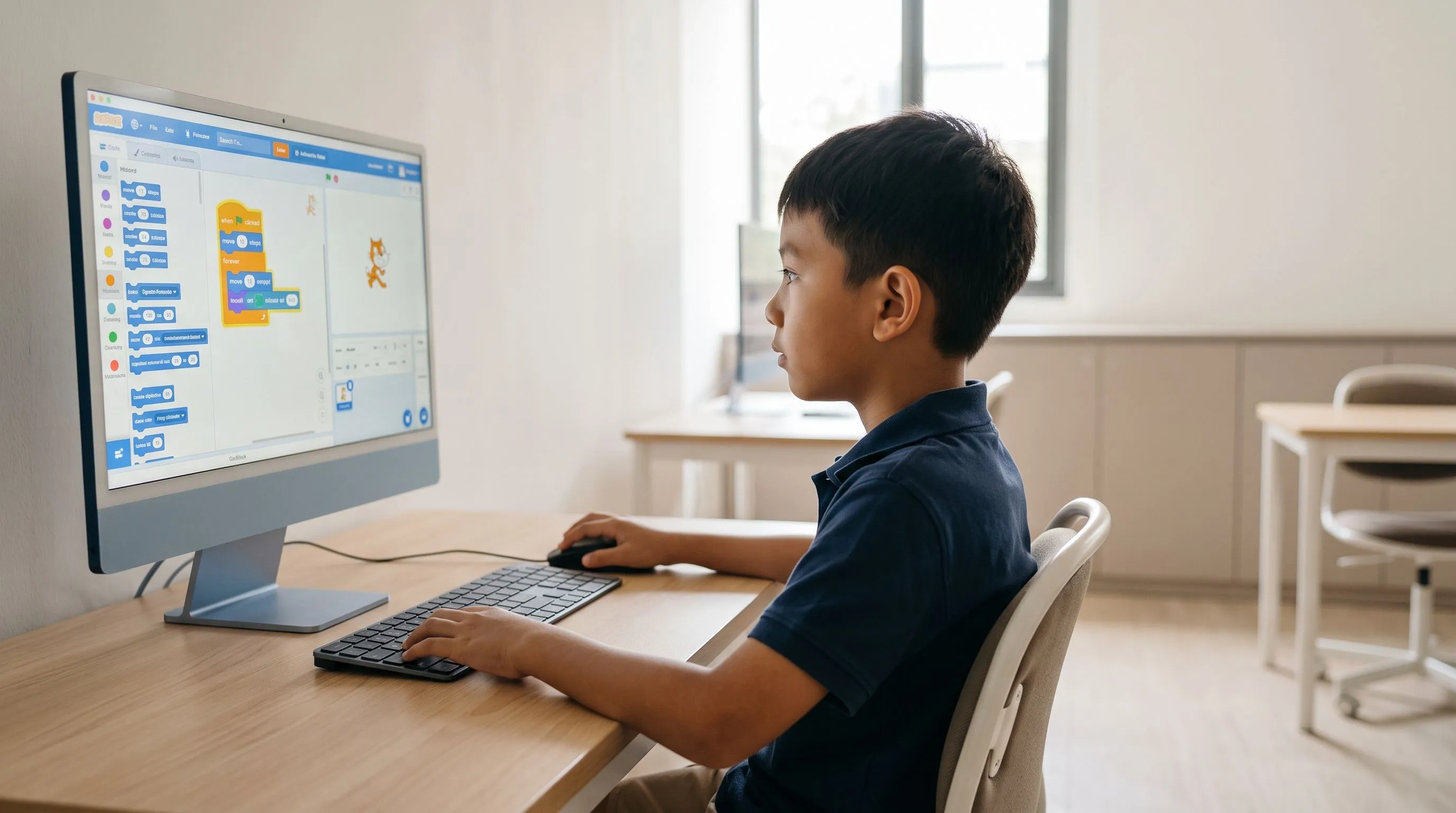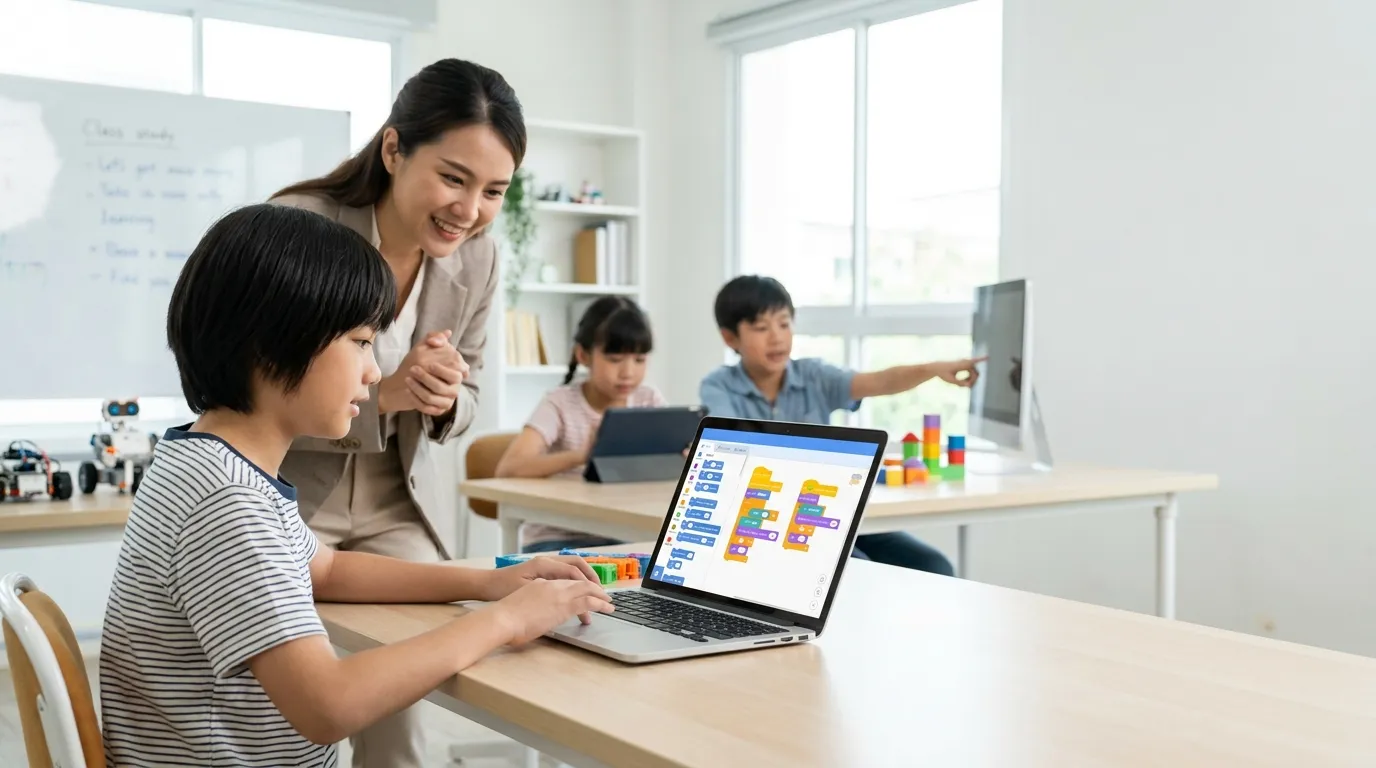
If you are just starting to learn Scratch, you do not need to memorize hundreds of commands at once. Scratch has several block categories that make learning the basics of programming visual and fun.
There are eight commonly used Scratch block categories: Motion, Looks, Sound, Events, Control, Sensing, Operators, and Variables. Understanding what each category does allows you to start creating animations, simple games, quizzes, and interactive simulations, even if you have never coded before.
What Is Scratch?
Scratch is a block-based visual programming platform developed by the MIT Media Lab. Its drag-and-drop system lets you arrange commands like puzzle pieces without writing complicated programming syntax.
The platform is widely used to introduce basic programming concepts to children and beginners. You can explore the platform and learn more on the official Scratch website.
In Scratch, commands come in the form of blocks with different functions. Understanding the types of Scratch blocks and how they work is therefore one of the first steps toward creating more complex projects.
8 Scratch Block Categories and Their Functions
Here are eight commonly used Scratch block categories, along with their functions and examples.
1. Motion
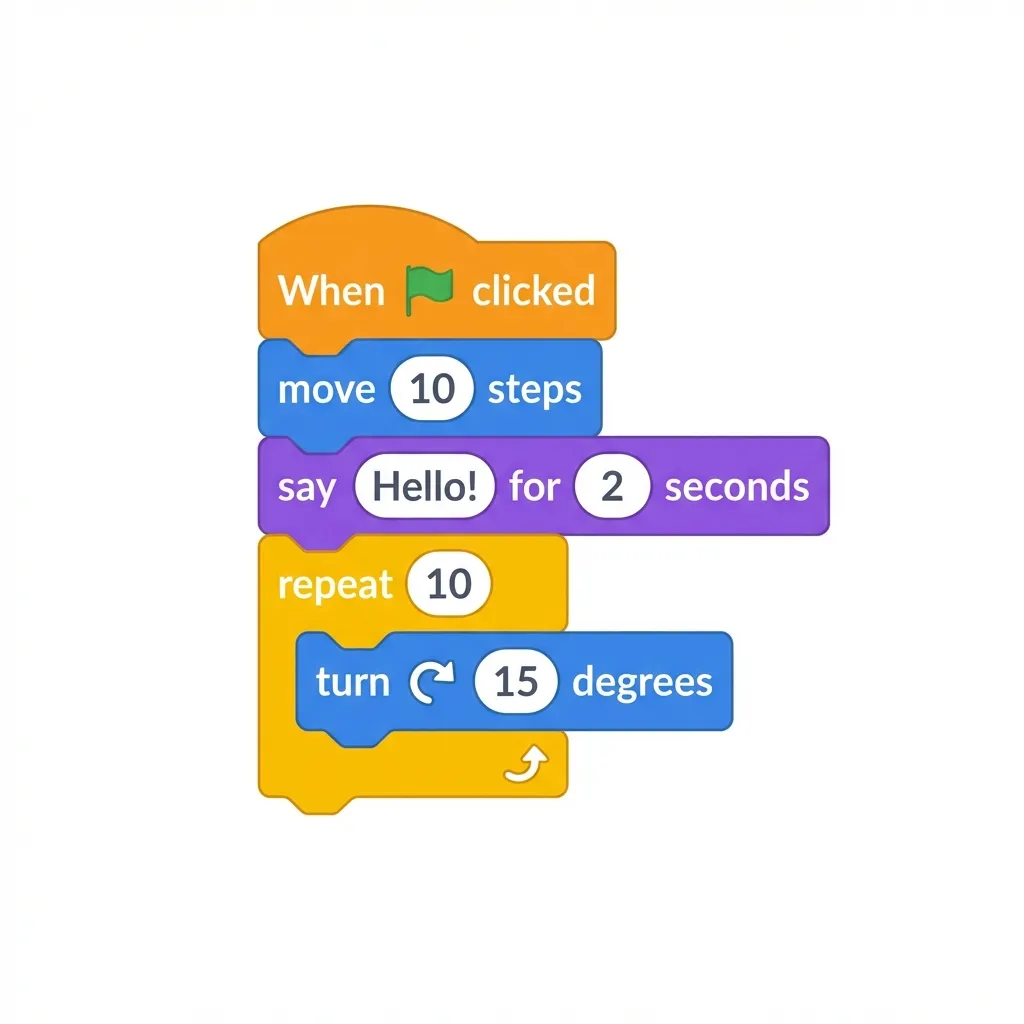
Motion blocks control a sprite's movement and position in Scratch. This is often one of the first categories beginners learn because they can immediately see the character move on the screen.
Commonly used Motion blocks include:
- Move 10 Steps moves the sprite forward by a specified number of steps.
- Turn (degrees) rotates the sprite to the left or right.
- Go to Random Position moves the sprite to a random position.
Motion blocks are especially useful for Scratch games that involve character movement, such as platformers, maze games, or games where players chase objects.
2. Looks
While Motion controls how a sprite moves, Looks blocks control the appearance of sprites and backdrops.
Commonly used Looks blocks include:
- Say "Hello" for 3 Seconds displays text in a speech bubble.
- Next Costume switches the sprite's costume to create an animation effect.
- Show / Hide makes a sprite visible or hides it.
Looks blocks let characters speak, change their appearance or costumes, and appear or disappear during a game.
3. Sound
Sound blocks add sounds, music, and audio effects to Scratch projects. Sound can make games and animations feel more lively and interactive.
Two commonly used Sound blocks are:
- Play Sound Until Done plays a sound to the end before the script moves on to the next block.
- Start Sound starts playing a sound without waiting for it to finish.
Understanding the difference between these blocks matters because it affects the order and timing of your program.
4. Events
Events blocks act as triggers that determine when a Scratch script starts running.
Common Events blocks include:
- When Green Flag Clicked starts a script when the green flag is clicked.
- Broadcast (message) sends messages that allow sprites and different parts of a project to communicate.
Events are essential for interactive projects because scripts typically need a trigger before they run their commands.
5. Control
Control blocks manage the flow of a Scratch program, including loops, pauses, and decisions based on specific conditions.
Key Control blocks include:
- Wait (seconds) pauses the script before the next command runs.
- Repeat (n) repeats commands a specified number of times.
- Forever keeps repeating commands while the script is running.
- If...Then and If...Then...Else run commands based on a condition.
Control blocks are an important part of learning to code because they introduce loops and conditionals, concepts used in many programming languages.
6. Sensing
Sensing blocks allow sprites to detect conditions and interactions within a Scratch project.
Examples of Sensing blocks include:
- Touching Color? checks whether a sprite is touching a particular color.
- Distance to (sprite) reports the distance between a sprite and another sprite.
- Ask and Wait asks the user a question and waits for an answer.
Sensing blocks are often used in maze games, platformers, interactive quizzes, and other projects that respond to the player's actions.
7. Operators
Operators blocks perform mathematical calculations, comparisons, and logical operations in Scratch.
Commonly used Operators blocks include:
- Add / Subtract / Multiply / Divide perform basic arithmetic.
- And / Or / Not combine or modify logical conditions.
- Pick Random (1 to 10) generates a random number within a specified range.
Operators are useful for building scoring systems, setting difficulty levels, defining game conditions, and adding random variations to gameplay.
8. Variables
Variables blocks store and change data while a Scratch program is running.
In a game, variables can store the player's score, remaining lives, game time, level, or other information.
Commonly used Variables blocks include:
- Set Variable to (value) assigns a value to a variable.
- Change Variable by (n) increases or decreases a variable's value.
- Show / Hide Variable displays or hides the variable's value on the screen.
Understanding variables introduces you to a fundamental concept that you will also encounter in programming languages such as Python and JavaScript.
How Scratch Blocks Work Together in a Game
These eight block categories are usually used together. Even in a simple game, several categories can work alongside one another.
For example, in an object-catching game:
- Events starts the game.
- Motion moves the character.
- Sensing detects when the character touches an object.
- Variables keeps track of the score.
- Operators calculates scores or checks game conditions.
- Sound adds audio effects.
- Looks changes the character's appearance.
- Control handles loops and conditional actions.
This example shows how understanding each block category makes it easier to create more engaging Scratch projects.
Benefits of Learning Scratch Blocks for Beginners
Learning Scratch goes beyond moving characters on a screen. Through visual, interactive activities, beginners can develop an understanding of basic programming concepts and computational thinking.
Skills you can practice with Scratch include:
- Structured logical thinking by arranging blocks in a sequence.
- Problem solving by finding ways to make a program achieve its goal.
- Creativity by designing characters, stories, animations, and game mechanics.
- Debugging by finding and fixing errors in a program.
- Computational thinking by using conditions, loops, variables, and simple algorithms.
Once you understand these foundations, learning more advanced programming concepts becomes easier.
What Can You Create with Scratch?
After learning what the different Scratch blocks do, you can combine them to build a wide range of projects.
Beginner-friendly Scratch projects include:
- Simple maze games.
- Object-catching games.
- 2D platformer games.
- Interactive quizzes.
- Animated stories.
- Simple simulations.
- Educational games.
Start with a simple project. As you learn how each block works, you can gradually add more complex features.
Frequently Asked Questions About Scratch Blocks
Is Scratch suitable for beginners who have never coded before?
Yes. Scratch is designed to be accessible to beginners through block-based programming. Users simply drag and drop blocks, allowing them to focus on understanding program logic rather than memorizing syntax.
Which Scratch block categories should beginners learn?
Key categories include Motion, Looks, Sound, Events, Control, Sensing, Operators, and Variables. These categories provide the tools needed to create a variety of simple Scratch projects.
Can you make games with Scratch?
Yes. Scratch can be used to create many kinds of simple 2D games, including platformers, maze games, puzzles, object-catching games, and interactive quizzes.
Does learning Scratch help you learn other programming languages?
Yes. Scratch introduces basic programming concepts such as variables, loops, conditional statements, events, and operators. You will encounter these concepts again when learning languages such as Python and JavaScript.
Which Scratch blocks should you learn first?
Beginners can start with Events, Motion, Looks, and Control. Once you understand how they work, move on to Sensing, Operators, Variables, and Sound to build more interactive programs.
Conclusion
Understanding Scratch blocks and their functions is an important step for anyone starting to learn coding. Eight commonly used categories are Motion, Looks, Sound, Events, Control, Sensing, Operators, and Variables.
Each category serves a different purpose. Motion controls movement, Looks controls appearance, Sound adds audio, Events triggers scripts, Control manages program flow, Sensing detects interactions, Operators handles calculations and logic, and Variables stores data.
By combining these blocks, you can create games, animations, quizzes, and other interactive projects while learning the foundations of programming.
For children and beginners who want a more structured way to learn Scratch, Koding Akademi's Basic Coding class offers guided learning. Students learn coding fundamentals while building projects with support from a teacher.
Find more information about the program at Koding Akademi.