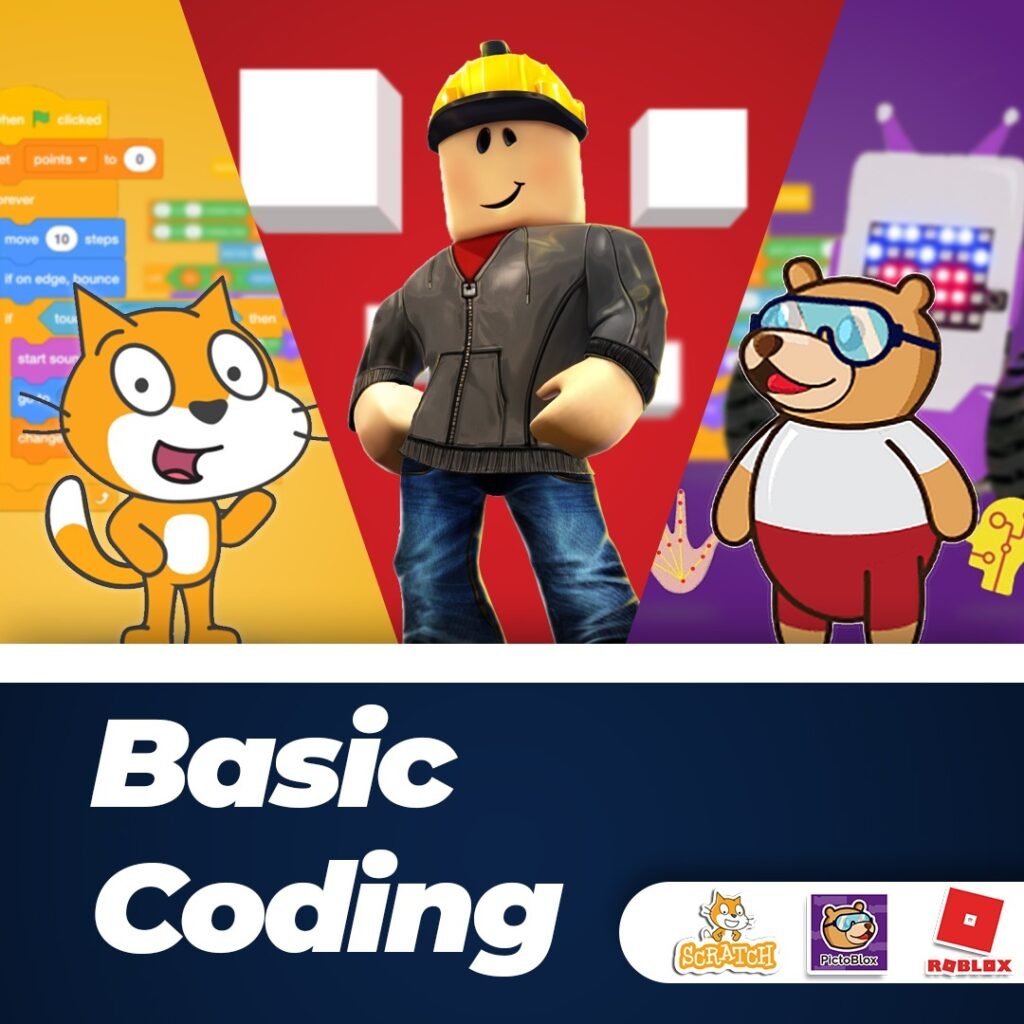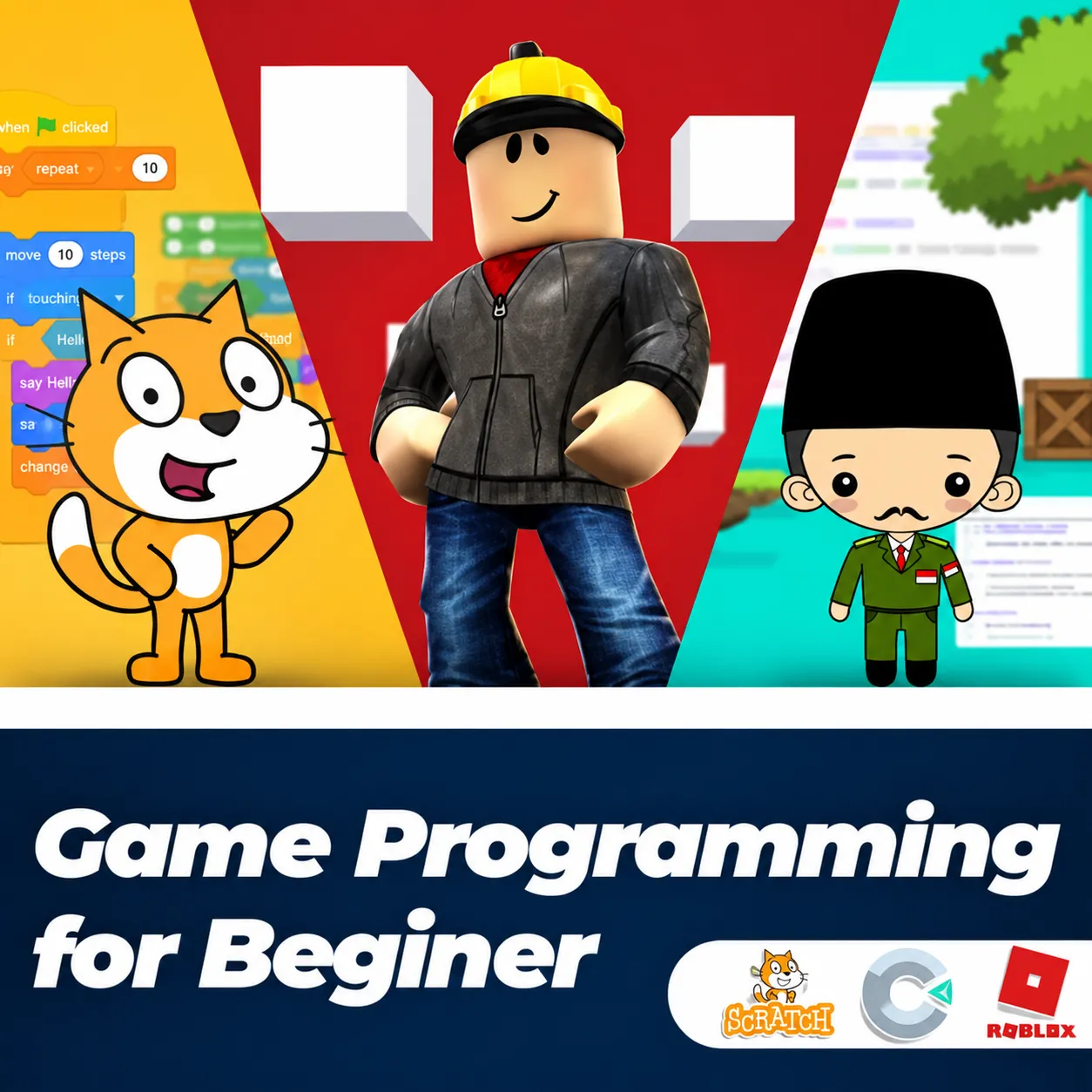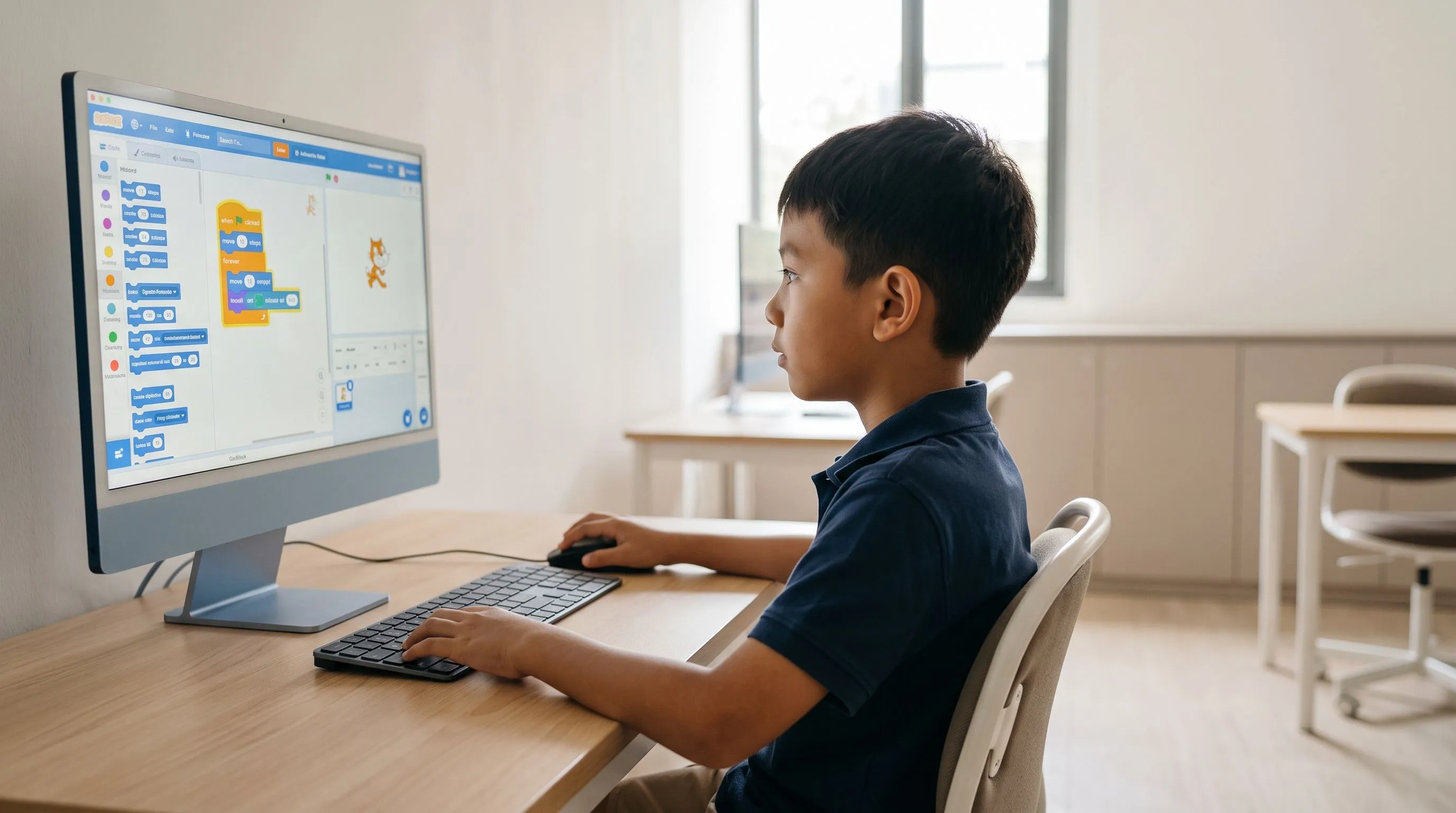
Scratch coding is an effective and enjoyable way to introduce children to programming from an early age. Its easy-to-understand visual, block-based system helps children learn logic, creativity, and problem-solving without writing complicated code. By creating animations, games, and digital stories, children can explore the basics of programming while playing and experimenting.
As digital technology develops rapidly, understanding coding is becoming an important foundation for the future. Many schools, educational institutions, and learning platforms around the world introduce coding to children during their primary school years. Scratch is one of the most popular platforms for this purpose.
This article explores Scratch, how it works, its benefits for children, examples of projects they can create, and how parents can begin their child's coding journey through educational programs such as those offered by Koding Akademi.
What Is Scratch Coding?
Scratch is a visual programming language developed by the MIT Media Lab to help children and beginners understand basic programming concepts in a simple, intuitive way. Unlike traditional programming languages that use text and complex syntax, Scratch uses visual code blocks that fit together like puzzle pieces.
Children simply drag and drop instruction blocks to create programs that run immediately. This makes learning more intuitive because they can see the results of their logic in real time.
Scratch was first released in 2007 and has since been used by millions of learners worldwide. According to the Scratch Foundation, users around the world have created more than 100 million Scratch projects, with a community of learners, teachers, and digital creators from more than 150 countries.
The platform is both a coding tool and a creative space where children can make projects such as:
- Simple games
- Interactive animations
- Digital stories
- Educational simulations
- Digital music
In this way, Scratch teaches coding while also developing computational thinking skills.
Why Should Children Learn Coding from an Early Age?
Introducing children to coding early offers benefits that go beyond technical skills.
1. Developing Logic and Systematic Thinking
Coding trains children to think systematically. When creating a program, they need to break a problem down into small, logical steps.
This process is known as computational thinking, which involves the ability to:
- Analyze problems
- Create algorithms
- Identify patterns
- Optimize solutions
According to the World Economic Forum's Future of Jobs Report, analytical thinking and problem-solving are among the ten most important skills for the future.
2. Encouraging Digital Creativity
Coding involves creativity as well as technology. With Scratch, children can combine elements such as:
- Animation
- Music
- Visuals
- Stories
This encourages them to experiment and create unique digital work.
3. Building Problem-Solving Skills
When a program does not work correctly, children try to fix the errors. This process encourages critical thinking and independent problem-solving.
4. Preparing Children for the Digital Age
According to data from the U.S. Bureau of Labor Statistics, technology jobs are projected to grow much faster than jobs in other fields through 2030.
Understanding the basics of coding from childhood can give children an advantage in the future.
Getting to Know Scratch's Main Features
Scratch has a simple yet powerful interface. Its main components include:
Stage
The Stage is the area where a project is displayed. All animations, games, and interactions appear here.
When a program runs, sprites move or interact on the Stage according to the code that has been assembled.
Sprites
Sprites are the characters or objects used in a Scratch project. They can include:
- Cartoon characters
- Animals
- Objects
- Avatars
Each sprite can have its own scripts, allowing it to move, speak, or interact with other objects.
Backdrops
A backdrop is the visual background used to enhance a project's appearance.
Scratch provides a range of backdrops, including:
- City scenes
- Outer space
- Forests
- Classrooms
Children can also create their own backdrops.
Code Area
The Code Area is where code blocks are assembled to control a sprite's behavior.
This is where children build program logic using instruction blocks.
Code Blocks
Code blocks are the main components of Scratch and act as program instructions.
They are organized into categories such as:
- Motion
- Looks
- Sound
- Events
- Control
- Variables
Each category has a different color, making it easy for children to recognize.
How Scratch Works
Scratch uses drag-and-drop programming: users drag code blocks and arrange them into a sequence of logical instructions.
For example, to make a character move:
- Add a “when green flag clicked” block.
- Add a “move 10 steps” block.
- Add a “repeat” block.
When the green flag is clicked, the character moves according to the instructions.
This visual approach helps children understand cause-and-effect relationships within a program.
For example:
If the player presses an arrow key → the character moves.
If the character touches an object → the score increases.
This process introduces important programming concepts such as:
- Event handling
- Conditional logic
- Loops
- Variables
Creative Projects Children Can Make with Scratch
One of Scratch's strengths is its flexibility in supporting different kinds of creative projects.
Simple Games
Children can create simple games such as:
- Object-catching games
- Maze games
- Character adventure games
These games usually include scoring systems and player controls.
Educational Animations
Scratch is often used to create educational animations about topics such as:
- Volcanic eruptions
- The water cycle
- The solar system
This helps children understand scientific concepts visually.
Interactive Stories
Children can create interactive digital stories in which users choose how the story unfolds.
Examples include:
- Character adventures
- Stories with moral lessons
- Interactive fairy tales
Digital Music
Scratch also allows users to create simple music by arranging notes and adjusting tempo.
How Scratch Supports Children's Development
Scratch offers several valuable educational benefits.
Developing Computational Thinking
Scratch teaches children to break problems down into small steps that can be programmed.
Practicing Collaboration
The Scratch community allows children to:
- Share projects
- Download other people's projects
- Modify existing work
This creates a collaborative learning environment.
Building Confidence
When children successfully create their own game or animation, they feel proud of their work.
This can strengthen their motivation to learn.
Structured Scratch Learning at Koding Akademi
Although Scratch is easy to use, structured learning helps children understand programming concepts more effectively.
This is where Koding Akademi can help.
A Curriculum Based on Global Standards
Koding Akademi's learning programs are designed around the STEM approach—Science, Technology, Engineering, and Mathematics—used in many international education systems.
Learning materials are organized in stages, covering:
- Basic programming logic
- Animation creation
- Game development
- Creative interactive projects
Professional, Experienced Mentors
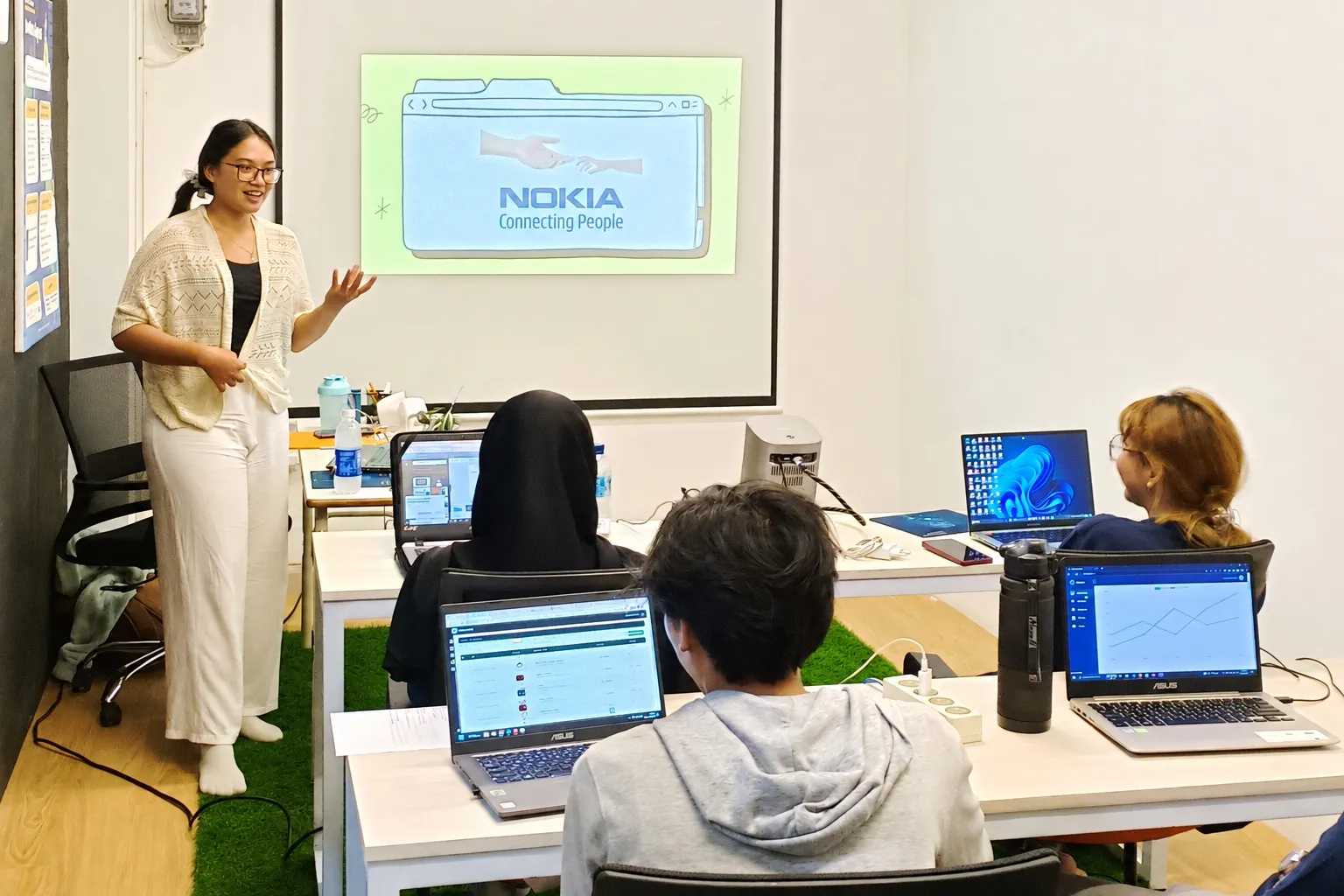
Children learn directly from mentors with experience in technology and education.
Mentors help students understand coding concepts through practical, real-world projects.
Project-Based Learning
Koding Akademi uses a project-based learning approach, in which children learn by creating real projects.
This method helps students understand concepts by immediately applying what they learn.
According to research from the Buck Institute for Education, project-based learning can improve learning retention by up to 60% compared with traditional methods.
An Interactive Learning Environment
Classes are designed to be enjoyable and interactive, so children do not feel as though they are only studying theory.
Instead, they experience learning through play.
Long-Term Opportunities After Learning to Code
Although Scratch is a beginner-friendly programming language, the skills learned through it provide an important foundation for exploring more complex technologies.
Children who begin with Scratch can progress to other programming languages, such as:
- Python
- JavaScript
- Java
- C++
These skills can open up future career opportunities, including:
- Software Developer
- Game Developer
- Data Scientist
- AI Engineer
- Cybersecurity Specialist
According to LinkedIn's Emerging Jobs Report, technology roles such as AI Specialist and Software Engineer are among the fastest-growing jobs globally.
By starting early, children have more time to develop digital skills relevant to industry needs.
Frequently Asked Questions (FAQ)
Is Scratch suitable for children who have never learned coding?
Yes. Scratch is designed for beginners and children. Its visual, block-based system is easy to understand, including for children in primary school.
At what age can children start learning Scratch?
Children can usually start learning Scratch at around 7–8 years old, when they can understand simple logic and basic instructions.
Is Scratch only for making games?
No. In addition to games, Scratch can be used to create animations, interactive stories, educational simulations, and even digital music.
Does learning Scratch help children learn other programming languages?
Yes. Scratch teaches fundamental programming concepts such as algorithms, loops, and variables, which are also used in professional programming languages.
What is the best way for children to learn Scratch?
A structured learning program with mentors and practical projects, such as those offered by Koding Akademi, is an effective way to begin.
Conclusion
Scratch is an effective platform for introducing children to programming. Its intuitive visual, block-based system helps children understand fundamental coding concepts such as logic, algorithms, and problem-solving in an enjoyable way.
Through creative projects such as games, animations, and interactive stories, children learn about technology while developing creativity, confidence, and critical thinking skills.
In an increasingly digital world, coding skills provide an important foundation for future generations. Introducing coding early is therefore a valuable investment in a child's education.
If you want your child to learn coding in a fun and structured way, Koding Akademi offers programs designed specifically for children, with professional mentors and a project-based curriculum.
Help your child begin their journey toward becoming a digital creator today.
Enroll your child at https://www.kodingakademi.id/ and let them discover coding through an exciting, creative, and inspiring learning experience.