Arduino is an open-source electronics platform that combines development boards and software for building interactive projects. You can program it to read sensors, light up LEDs, or control a robot through suitable circuits.
Arduino helps beginners connect coding concepts with results they can see. This guide covers how it works, common board types, project ideas, and the first steps to learning it.
How Does Arduino Work?
An Arduino board runs a program called a sketch. Its microcontroller reads inputs, processes them according to the code, and controls outputs. For example, a light sensor sends a value to the board. When that value indicates darkness, the program switches on an LED.
Main Arduino Components
The board and microcontroller
The microcontroller executes program instructions. The chip varies by model: the UNO R3 uses an ATmega328P, while the UNO R4 uses an Arm-based Renesas RA4M1. Check the model specifications before choosing components and libraries.
Input and output pins
Pins connect the board to buttons, sensors, LEDs, and other components. Digital pins read or produce logic states. Analog inputs measure changing voltages within the range supported by the board.
Arduino IDE and libraries
The Arduino IDE lets you write, check, and upload code. Libraries provide functions for specific components, such as sensors or displays. Before uploading, install the appropriate board package and select the correct board and port.
Common Arduino Board Types
- UNO: suitable for basic exercises. The UNO R3 and UNO R4 have different specifications.
- Mega 2560: provides more pins for projects with several sensors or actuators.
- Nano: a family of compact boards for projects with limited space. Features and operating voltages vary between models.
- Leonardo: can be programmed to appear to a computer as a USB keyboard or mouse.
Choose a board based on the pins, memory, operating voltage, connectivity, and library support your project needs.
What Can You Build with Arduino?
- An automatic LED light controlled by a light sensor.
- A temperature and humidity monitor with a display.
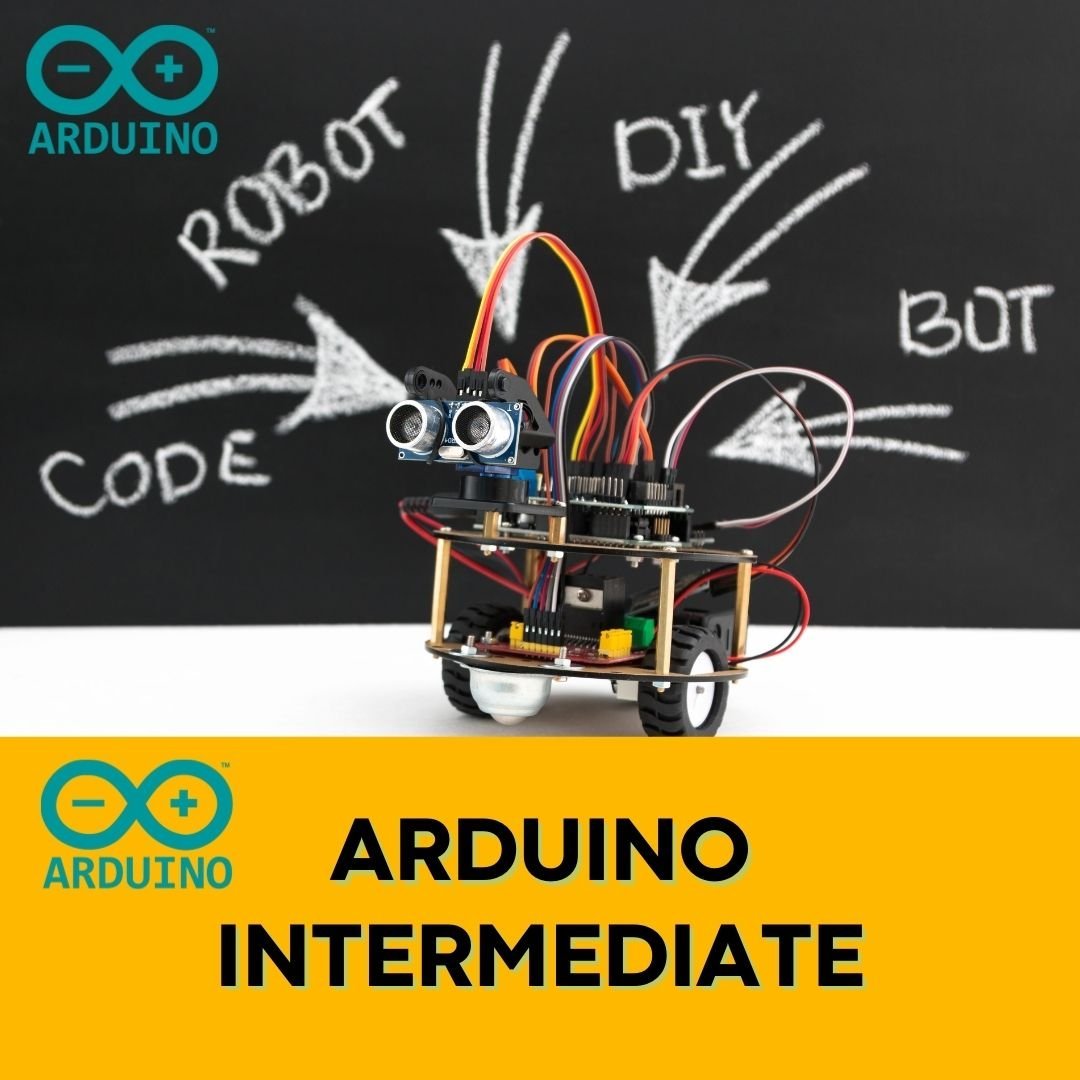
- A simple robot that follows a line or detects objects.
- A plant watering system controlled by a soil moisture sensor.
- An IoT device that sends data using built-in connectivity or an additional network module.
Motors and pumps need suitable drivers and power supplies. Do not connect them directly to output pins. Start with low-voltage circuits and seek supervision when needed.
Why Use Arduino for Learning?
Example programs, documentation, and libraries help you learn step by step. Open hardware and software designs also support development and modification under their respective license terms.
You can add features through shields or modules. Compatible shields fit onto a board's headers, while other modules connect through wires using interfaces such as I2C, SPI, or UART. Check pin assignments and voltage requirements before connecting components.
Arduino Programming Language and Code Example
Arduino sketches generally use C/C++ with functions from the Arduino core and libraries. The setup() function runs once when the board starts or resets. The loop() function runs repeatedly.
This example blinks the built-in LED on a board that supports LED_BUILTIN:
void setup() {
  pinMode(LED_BUILTIN, OUTPUT);
}

void loop() {
  digitalWrite(LED_BUILTIN, HIGH);
  delay(1000);
  digitalWrite(LED_BUILTIN, LOW);
  delay(1000);
}
The LED stays on for one second, then off for one second. LED_BUILTIN follows the LED pin mapping of the selected board. Check your model's documentation because LED behavior can vary.
How to Get Started with Arduino
- Prepare a board, a computer, and a USB cable that supports data transfer.
- Install the Arduino IDE from the official website and the appropriate board package.
- Connect the board, then select the board model and port in the IDE.
- Open the Blink example, upload it, and observe the built-in LED.
- Change the blink interval, then try a button or a simple sensor.
Record how changes to the code affect the circuit. This habit helps you understand the program and find the causes of errors.
Frequently Asked Questions about Arduino
Can beginners learn Arduino?
Yes. Start with a simple project while learning variables, conditions, loops, and basic circuits. Work with one component at a time.
Do all Arduino boards have Wi-Fi?
No. Some models have built-in connectivity; others need an additional module or shield. Check the specifications before starting an IoT project.
Can Arduino be used in professional products?
Arduino can be used for prototyping and device development. A commercial product still needs appropriate power design, reliability, security, testing, and any relevant certifications.
Start with Your First Project
Begin with a blinking LED, understand the input and output flow, and add sensors as needed. For guided learning, explore the coding and robotics classes at Koding Akademi.