Visual Studio Code is one of the most widely used code editors out there. Its popularity comes from being lightweight, flexible, open-source, simple, and extensible.
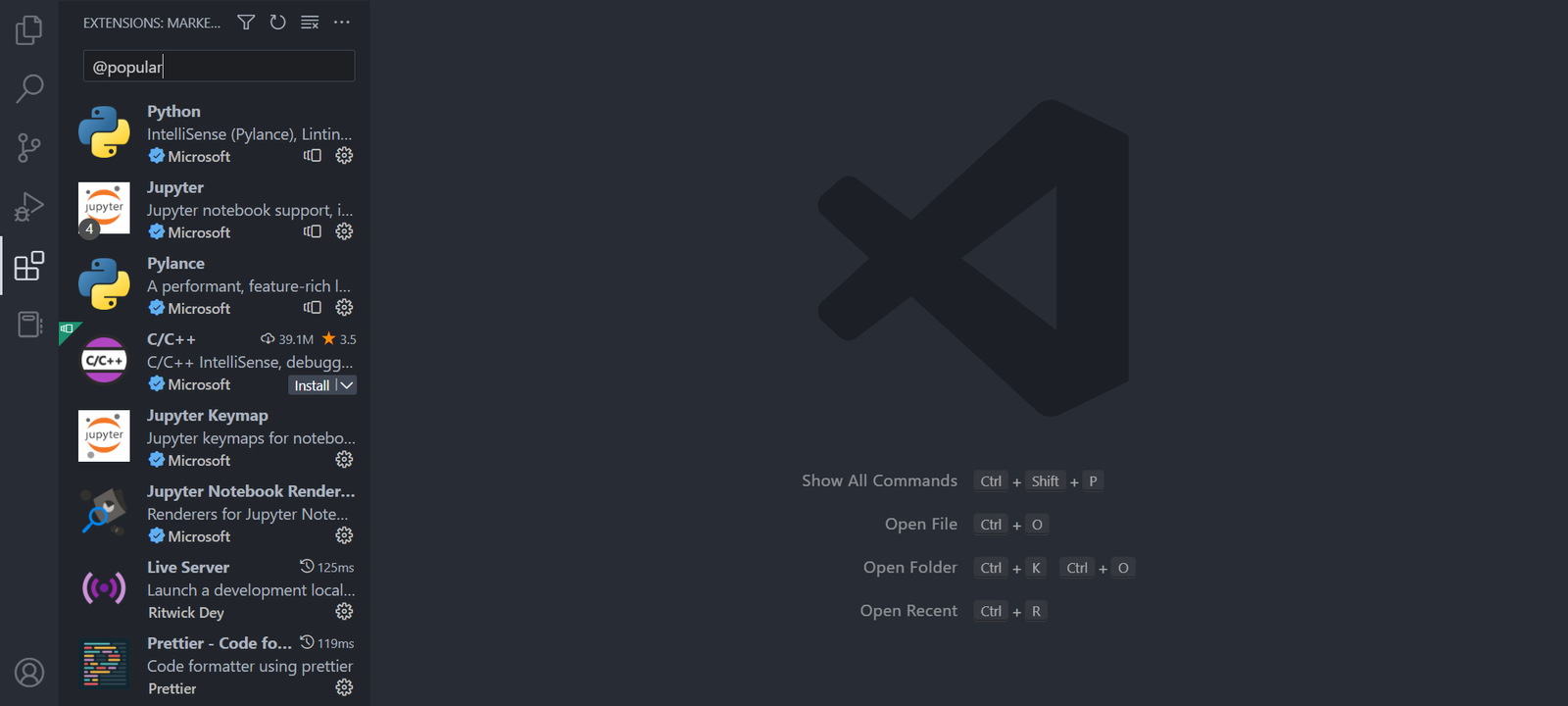
Speaking of extensions, VSCode has thousands of extensions that you can install to boost your productivity. All of them are available in Visual Studio Code, and most of them are completely free.
This article discusses 10 VSCode extensions that significantly improve your Web Development experience. Usage examples and installation methods are provided for each of them.
1. Prettier
Prettier is a utility that is useful for automatically formatting code with customizable rules to ensure consistent code formatting. The integration between the code editor and Prettier in the Prettier Extension for Visual Studio Code allows users to easily format code using keyboard shortcuts or immediately after saving a file.
2. JavaScript Booster
This extension enriches the user experience in Visual Studio Code by providing code action features to perform refactoring on JavaScript code that is commonly done while programming. There are many code actions available, such as converting if…else statements into ternary operators, splitting declarations and initializations into separate statements, and converting conventional functions into arrow functions.
3. ESLint
ESLint is a tool that can find and fix problems in JavaScript code. This tool helps manage your coding quality and style by identifying programming patterns that can trigger complex bugs. With the ESLint Extension in Visual Studio Code, ESLint provides direct warnings for code issues.
4. GitLens
GitLens is an extension that helps you optimize the use of Git source control within Visual Studio Code. This extension displays a view containing important repository data and information related to the current file, such as file history, commits, branches, and remotes. In addition, by placing the cursor on any line of code in the editor, GitLens will display information about the latest commit that included changes to that line of code.
5. Live Server
The Live Server extension for VSCode can start a local server that displays a web page using the file content available in the workspace. The server will automatically reload whenever there are changes to related files. This makes it easier because you do not need to manually refresh the page in the browser every time there is a change. You can easily launch a new server using the “Open with Live Server” option available in the context menu when you right-click a file in the VS Code Explorer.
6. CSS Peek
CSS Peek is an extension that allows users to easily and quickly access CSS style definitions assigned to various class names and IDs in HTML files. With this feature, users can view CSS definitions of HTML elements without having to manually search through separate CSS files. This can improve website development efficiency and help users speed up the development and debugging process.
7. Intellisense for CSS Class Names in HTML
This extension can work together with CSS Peek to provide code completion features for HTML class attributes based on CSS definitions available in the current Visual Studio Code workspace. That way, users can easily navigate to CSS definitions related to the classes used in their HTML code.
8. JavaScript (ES6) Code Snippets
JavaScript (ES6) Code Snippets is an extension that provides shortcuts and code snippets to speed up writing JavaScript code in ES6 syntax. With this extension, you can improve your productivity without needing to memorize a lot of syntax or type the same code repeatedly across popular text editors such as VS Code, Atom, and Sublime Text.
9. Visual Studio Intellicode
Artificial Intelligence continues to improve worker productivity across many jobs, and developers are no exception. IntelliCode is a tool that generates smart code completion recommendations according to the current code context. When you type the . (dot) character to access an object’s methods or fields, IntelliCode will suggest the scenarios that are most likely to be used. Items in the list are marked with a star symbol.
10. VSCode Icons
Icon packs are available to customize the appearance of various file types in Visual Studio Code. They improve the look of the application and make it easier to identify and distinguish files of different types. VSCode Icons is one of the most popular icon pack extensions, offering a very complete icon collection and more than 11 million downloads.
So, we have discussed 10 important VSCode extensions that help your Web Development in Visual Studio Code. Install them now to increase your productivity.
If you are interested in becoming a Web Developer, you can join the Coding Bootcamp Program held by Koding Akademi. For more information, you can contact them via WhatsApp!