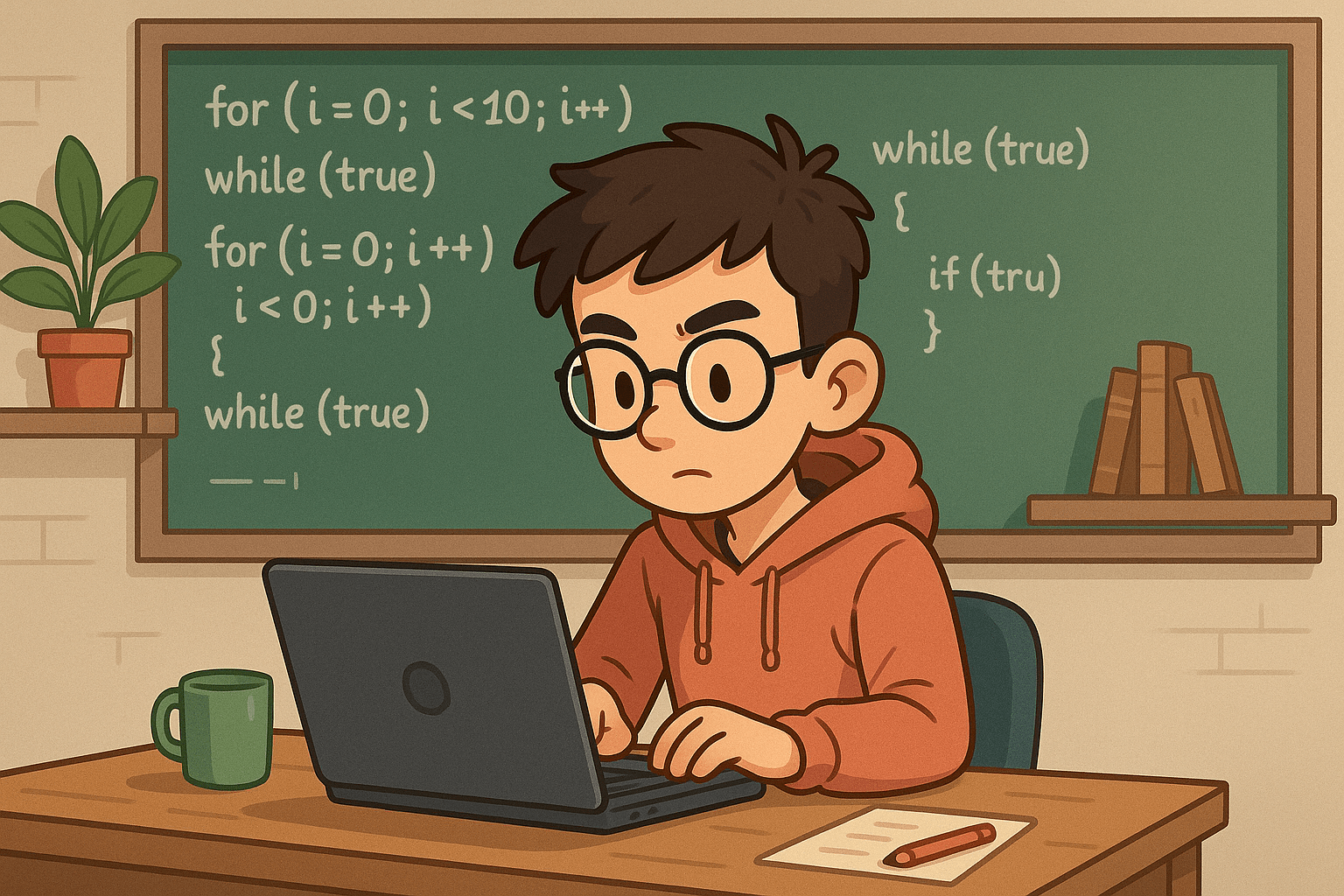
A loop in programming is a mechanism that allows a block of code to be executed repeatedly — either a specific number of times or as long as a certain condition is met. In short, loops exist so you don't have to write the same instruction over and over — write it once, and let the loop do the work.
Almost all modern programming languages, from Python and Java to JavaScript, provide loop structures as a core part of program flow control. This is reflected in each language's official documentation: Python's docs cover for and while, Oracle's Java documentation thoroughly covers loop statements, and MDN Web Docs provides a complete reference for loops in JavaScript.
Why Are Loops So Important in Programming?
Imagine having to process a thousand user records one by one. Without loops, you'd have to write a thousand nearly identical lines of code — and that's clearly not a reasonable approach. Loops offer a solution: process all that data with a far more concise code structure.
In practice, loops are used for a wide range of purposes: reading large volumes of data, traversing elements in arrays or lists, running input validation, building interactive menus, and supporting simulations and animations. Python's and JavaScript's official documentation consistently show that iteration is the standard way to work with data collections.
Beyond efficiency, loops also promote better code quality. This aligns with the DRY principle — "Don't Repeat Yourself" — introduced by Andrew Hunt and David Thomas in The Pragmatic Programmer. By reducing duplicated instructions, programmers can minimize errors and write code that is far easier to maintain.
The Most Common Types of Loops
1. For Loop: When the Number of Iterations Is Known
A for loop is the right choice when you already know upfront how many times a block of code needs to run. Its structure is widely used for traversing elements in arrays, lists, or specific numeric ranges.
Python's documentation explains that for is used to iterate over items in a sequence. A similar pattern is found in Java and JavaScript, where counter-based for loops are among the most frequently written structures.
Simple example in Python:
for i in range(5):
    print(i)
The code above prints numbers 0 through 4. According to Python's official documentation, range(5) generates a sequence from 0 up to — but not including — 5.
2. While Loop: When the Condition Matters More Than the Count
Unlike a for loop, a while loop doesn't focus on the number of iterations. As long as its condition evaluates to true, the block of code keeps running. This is ideal when the outcome of the repetition depends on something that isn't determined at the start.
Python's documentation notes that while is well-suited for situations where repetition is driven by a logical expression rather than a fixed iteration count.
Example in Python:
i = 0
while i < 5:
    print(i)
    i += 1
The loop stops when i is no longer less than 5. Notice the i += 1 part — this is crucial for allowing the loop condition to change and preventing the loop from running forever.
3. Do-While Loop: Guaranteeing at Least One Execution
A do-while loop works slightly differently: the block of code is executed first, then the condition is checked at the end. This means the code inside will always run at least once, regardless of whether the condition is met.
This structure is available in languages like C, C++, and Java. Oracle's Java documentation explains that do-while is particularly useful in scenarios such as displaying a menu before asking the user whether they want to repeat.
Example in C:
int i = 0;
do {
    printf("%d\n", i);
    i++;
} while (i < 5);
Even though the condition i < 5 is checked at the end, the body of the do block still executes at least once, even if i already meets the boundary from the start.
The Real Benefits of Loops in Program Development
Significantly Reducing Code Duplication
One of the most immediate benefits of loops is eliminating the need to write the same instruction repeatedly. This directly ties into the DRY principle in software engineering — code that isn't repetitive is easier to maintain, easier to change, and less likely to harbor hidden bugs.
Simplifying Large-Scale Data Processing
Data in modern applications is almost always stored in collections: arrays, lists, dictionaries, and so on. Loops allow each element to be processed sequentially without writing separate instructions for every piece of data. Python's documentation and MDN Web Docs affirm that iteration is the standard approach for working with data structures like these.
Making Programs More Flexible to Changing Input
Because loops operate based on conditions or data size, programs don't need to be modified every time the amount of data grows. Add a hundred new items to a list, and your loop will process them all without touching a single line of code.
Supporting More Maintainable Code
Loop-based code is generally far more concise than manually written code. This supports what is known as maintainability — the ease with which a program can be fixed and extended. This concept is even referenced in ISO/IEC 25010, the international standard for evaluating software and system quality, as one of its key quality attributes.
Loops Across Programming Languages
For Loop in JavaScript
for (let i = 0; i < 5; i++) {
  console.log(i);
}
According to MDN Web Docs, the for syntax in JavaScript consists of three parts: initialization, condition, and a final expression that runs at each iteration.
For Loop in Java
for (int i = 0; i < 5; i++) {
    System.out.println(i);
}
Oracle's documentation explains that the for statement in Java is designed for repetitions that require variable initialization, condition testing, and value updates — all organized neatly within a single structure.
For Loop in C++
for (int i = 0; i < 5; i++) {
    std::cout << i << std::endl;
}
Standard C++ references show that for loops are widely used, both for numeric iteration and for traversing data collections.
Common Mistakes When Writing Loops
Infinite Loops Due to a Never-Ending Condition
This is a classic mistake — when a loop's condition is always true, the program runs indefinitely and puts a heavy load on the CPU. Infinite loops are frequently covered in introductory programming documentation precisely because they're so easy to create without realizing it.
Forgetting to Update the Control Variable
Especially in while loops, programmers often forget to change the value of the variable controlling the condition. As a result, the condition never changes and the loop never stops. Python's documentation consistently emphasizes the importance of updating variables inside loops.
Accessing Indices Out of Bounds
When traversing arrays or lists by index, the start and end boundaries must always be carefully observed. Accessing out-of-bounds indices can trigger errors or unexpected behavior — a warning that appears in nearly every modern programming language's documentation.
Poorly Designed Stopping Conditions
A loop whose exit condition isn't well thought out can become a source of bugs that are difficult to trace. In software engineering, clear control flow is fundamental to preventing errors and simplifying the debugging process.
Tips for Writing Effective and Safe Loops
1. Choose the Right Loop Type for Each Situation
Use for when the number of iterations is known, while when it depends on a condition that may change, and do-while when the block must run at least once. This guidance aligns with common practices taught in official documentation across various programming languages.
2. Use Meaningful Variable Names
Names like index, count, or item are far more descriptive than single-letter names in most contexts. Clear naming supports readability — an important aspect of good code quality.
3. Limit the Use of Nested Loops
Nested loops can be useful in certain cases, but overusing them can reduce readability and performance, especially when processing large datasets. Based on the concept of time complexity in computer science, nested loops often increase the number of operations exponentially.
4. Take Advantage of Built-in Language Features
Python has range(), JavaScript has forEach(), and many modern languages provide iterators or other loop helpers. Official documentation for each language recommends using built-in features to keep code idiomatic and easy to understand.
Frequently Asked Questions
What is a loop in programming?
A loop is a control structure that allows a block of code to be executed repeatedly based on a set count or a given condition. This concept is formally documented in Python, Java, and JavaScript as a core part of program flow control.
When should I use a for loop instead of a while loop?
Use a for loop when the number of iterations is known ahead of time — for example, when traversing elements in an array or list. Choose a while loop when the repetition depends on an uncertain condition, such as waiting for user input or a condition that can change while the program is running.
What is the biggest risk when writing loops?
The primary risk is an infinite loop — a situation where the loop never stops because its condition always evaluates to true. Other common mistakes include forgetting to update the control variable inside a while loop and accessing indices outside the bounds of an array or list.
Conclusion
Loops are more than just a basic feature — they are the foundation of nearly every efficient, maintainable program. By understanding when to use for, while, or do-while, you're one step closer to writing code that is cleaner, more logical, and more professional. Principles like DRY and maintainability that are reflected in good loop usage aren't just theory — they're how real programmers work.
If you want to dive deeper into coding — from understanding loops and programming logic to writing code correctly — start your journey at kodingakademi.id. There's plenty of material packaged in a fun and easy-to-understand way, suitable for both beginners and those who already have a foundation.